On 9 September 2026 Google sunset Google Ads API developer tokens: API access levels now belong to the Google Cloud project that issues your OAuth credentials, and existing levels were copied to projects that made API calls in the previous 90 days. Existing code keeps working because the developer-token header is now optional and ignored, but sign-up and access upgrades have moved from the API Center in Google Ads to the Google Ads API Overview page in Google Cloud Console.
For more than a decade, every Google Ads API call carried a developer token: a string issued through a Google Ads manager account that decided how much you could do with the API. On 9 September 2026 Google sunset developer tokens. Access is now managed on Google Cloud projects. For most teams nothing broke that day, but the way you request, check and upgrade API access has moved, and a few integrations will have quietly lost the access level they used to have.
What exactly changed on 9 September 2026?
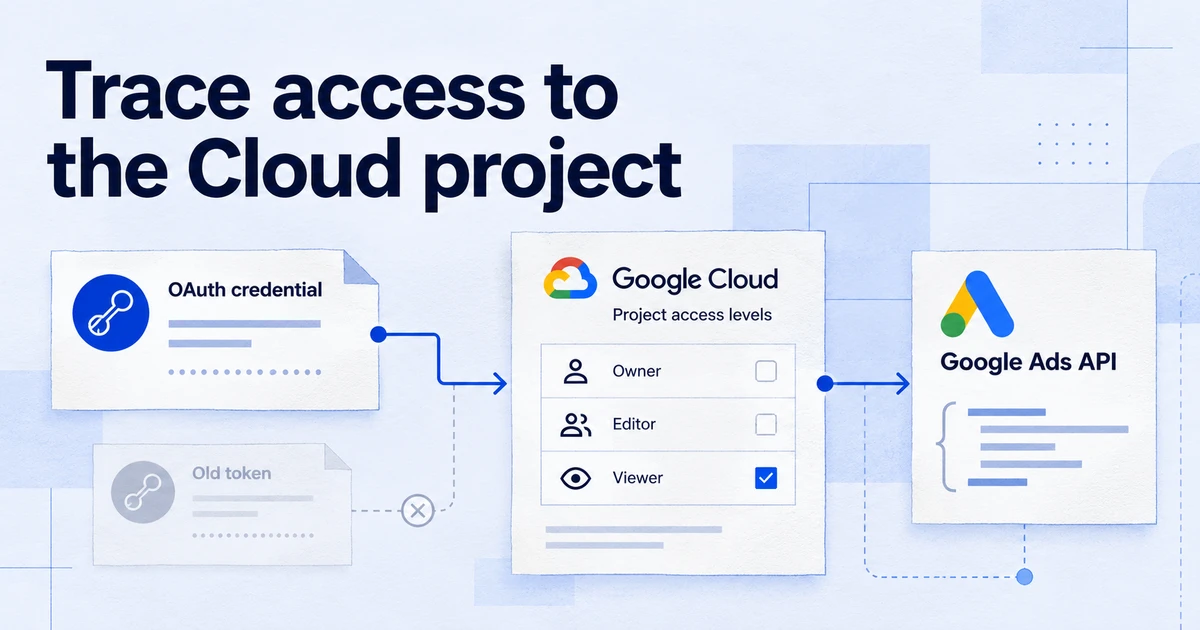
Google's developer token documentation now opens with a short statement: developer tokens were sunset on 9 September 2026, and your current, active access level was transferred automatically to your Google Cloud projects based on API activity in the 90 days before the sunset.
Three things follow from that:
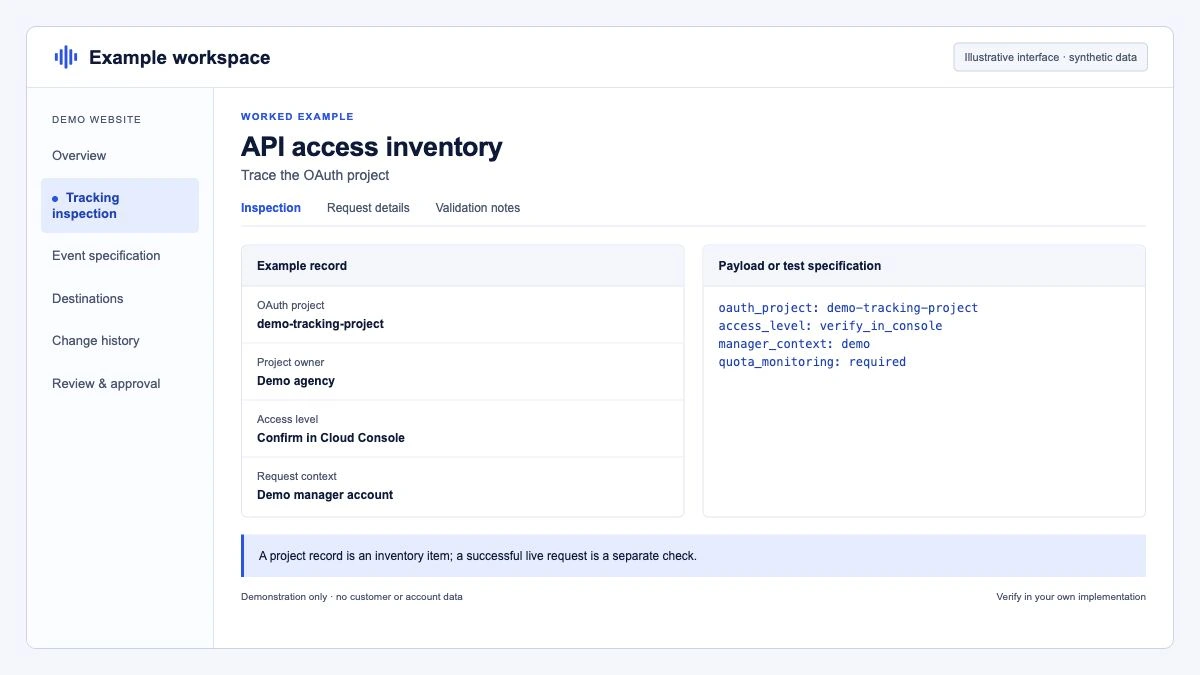
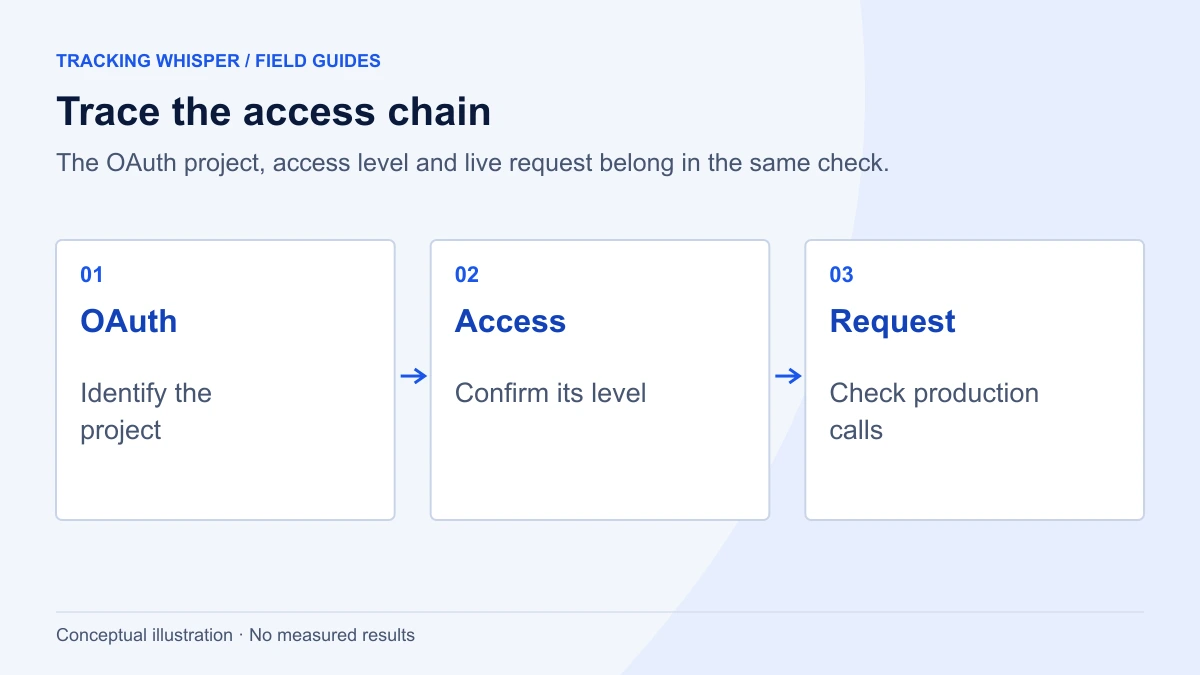
- Access levels belong to Cloud projects. When you make an API call, your access level is determined by the Google Cloud project used to generate your OAuth credentials, not by a token in a header.
- The developer-token header is optional and ignored. You can keep sending it. The API servers do not read it. Google says existing code continues to work without changes.
- Administration moved to Cloud Console. Sign-up, access applications and access level management that used to live in the API Center page of a Google Ads manager account are now in the Google Ads API Overview page in Google Cloud Console. Google's documentation explicitly says not to sign up for a developer token or apply for access from the API Center any more.
One practical consequence: you can now sign up for API access directly in Cloud Console, without first creating a Google Ads manager account.
How were access levels transferred?
Google looked at API call logs for the 90 days before the sunset. For each approved developer token, it found the Cloud projects whose OAuth credentials had been used together with that token, and gave each of those projects the token's access level.
That logic has a gap worth checking. A Cloud project that held valid OAuth credentials but made no calls during that 90-day window did not inherit anything. Typical cases:
- A seasonal integration that only runs before peak trading.
- A backup or staging project that holds credentials "just in case".
- A client's own Cloud project that an agency set up but never used in production.
- A project created after the window closed.
Each of these now starts from whatever level the project has on its own, which may be none. You can have several projects with different levels, for example one with Basic access for internal reporting and another with Standard access for a product.
What are the access levels now?
The levels themselves did not change with the sunset. Explorer, the newest one, arrived earlier: Google announced it on 28 October 2025 as an entry tier that lets new developers reach production accounts without a full application.
| Access level | Test accounts | Production accounts | Daily operations on production |
|---|---|---|---|
| Test | Yes | No | None |
| Explorer | Yes (15,000 per day) | Yes | 2,880 |
| Basic | Yes | Yes | 15,000 |
| Standard | Yes | Yes | Unlimited |
Two points from the access-levels page that people miss:
- Each level also comes with a permissible use, which defines what you may build with the API. Changing what your tool does can require a new review even if you stay within the operations limit.
- The operations limits are counted for the Cloud project, so if one integration needs more than Basic allows, the clean route is a Standard application for that project rather than spreading the workload around.
What should I check this week?
Here is the order we would work through it for an in-house team or an agency with several integrations.
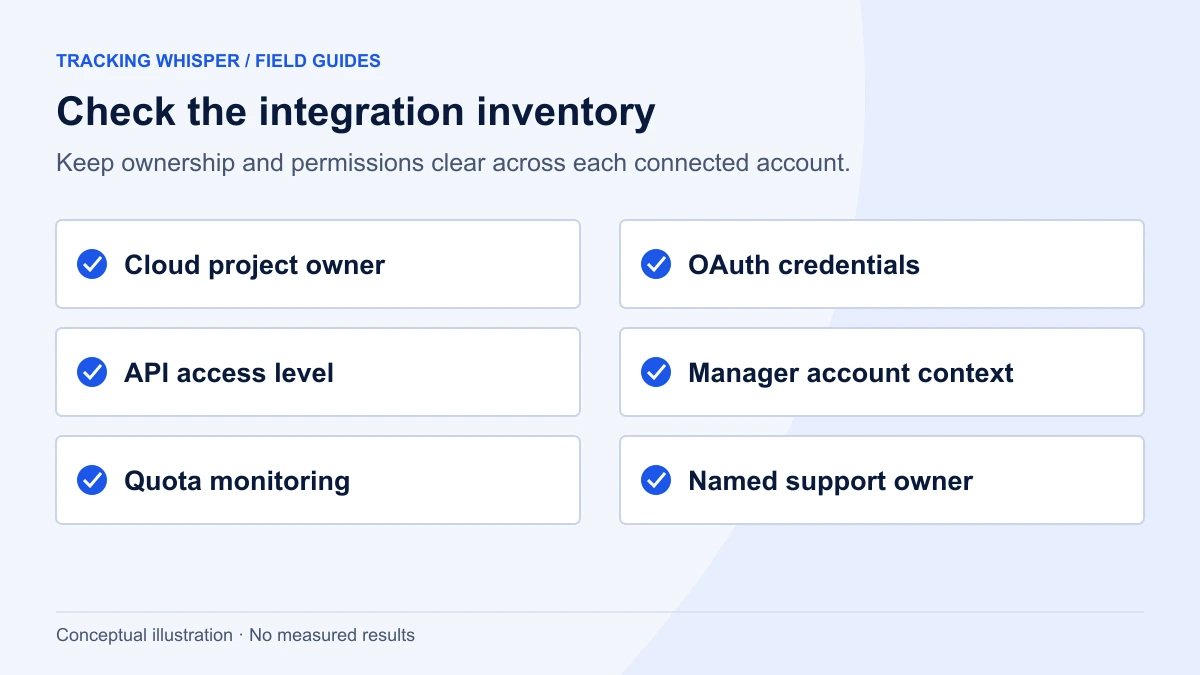
- List every Cloud project that issues Google Ads OAuth credentials. Include reporting connectors, bid tools, internal scripts that use a client library, warehouse loaders and any MCP server or AI assistant you run against Google Ads.
- Open the Google Ads API Overview page for each project in Google Cloud Console and note the access level shown. Compare it with the level your old developer token had.
- Flag projects with no level or a lower level. These are the ones that missed the 90-day window. Apply for the level you need (see the next section).
- Update client libraries. Google has published new versions of its client libraries, the Google Ads MCP server and the Google Ads API Developer Assistant that make calls without a developer token. For example, the Python library's changelog for version 32.0.0 lists "Remove validation checking if developer token is present in configuration" and the removal of the
use_cloud_org_for_api_accessoption. - Stop sending the header. Google calls this optional but recommended, and states that a future major version of the API will start rejecting developer tokens. No date has been given, so treat it as cleanup to do now rather than a fire drill later.
- Keep the
login-customer-idheader. If you reach client accounts through a manager account, this header is still required and must contain the manager account's customer ID. It has nothing to do with the developer token. - Delete the token from config files and secrets managers once all integrations run without it, so nobody copies an obsolete setup into a new project.
How do I apply for Basic or Standard access now?
Both applications start in the same place:
- In Google Cloud Console, select the project that issues your OAuth credentials.
- Open the Google Ads API Overview page.
- Expand Upgrade access level.
- For Basic, complete brand verification for the project first, then submit the application.
- For Standard, click Start application. Expect a detailed manual review of what your tool does and who uses it.
Brand verification is the step that catches teams out. It is part of Google's OAuth app verification and covers the OAuth consent screen and branding details in Cloud Console. Google's Ads API documentation says that, for the purpose of reviewing a Basic access application, the app's user type must be set to External and its publishing status to In production, even if other Google documentation suggests internal or testing apps do not need verification. If your reporting project is still set to Internal, plan for that change before you apply.
What does this mean for marketers who never touch the API?
If you only use Google Ads in the browser, nothing changed. If you rely on tools that pull data or make changes through the API, the effect depends on who owns the Cloud project:
- A vendor's tool (connector, bid platform, reporting product). The vendor's Cloud project carries the access level. Their active integrations will have been transferred automatically. You do not need to do anything, though it is reasonable to ask whether they have checked.
- Your own or your agency's Cloud project. You own the check above. The most common failure we expect is a reporting pipeline that silently runs at a lower level, or not at all, because its Cloud project was not active in the window.
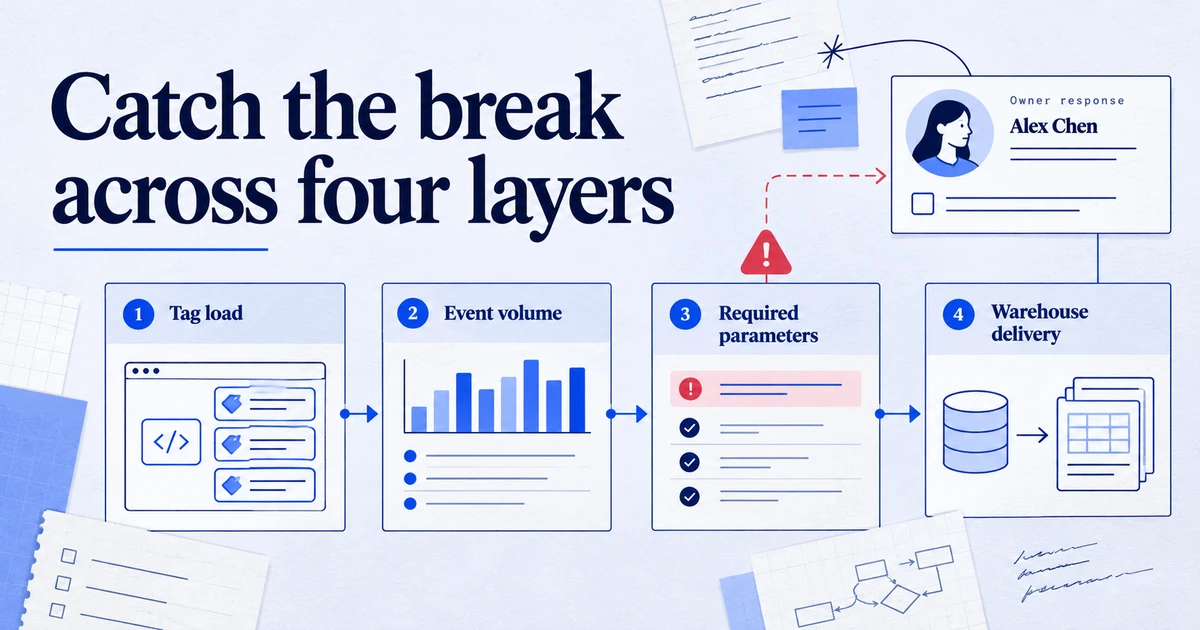
Data stops are rarely loud. A connector that fails authentication often shows "no data" in a dashboard rather than an error, and a week of missing spend looks like a quiet week. If you have any automated reporting, compare the last few weeks of cost and conversions in the dashboard against the Google Ads interface, and put a simple freshness alert on the tables that feed it. Automated tracking monitoring can catch this kind of silent stop before a client or manager does.
Is anything else changing in the Google Ads API this autumn?
Two adjacent changes are worth having on the same checklist.
- API version sunsets. Older API versions keep retiring on Google's regular schedule, and client libraries follow: version 33.0.0 of the Python library added v25_2 and removed support for v21 and v22. Upgrading the client library for the developer token change is a natural moment to move any tool still pinned to an old version.
- Offline conversion imports. Google is steering new conversion uploads towards the Data Manager API rather than the Google Ads API's upload services. Since 15 June 2026, integrations that had not uploaded offline conversions in the preceding months can no longer start doing so through the Google Ads API. If you import CRM conversions, plan that migration alongside this one.
Key takeaways
- Since 9 September 2026, Google Ads API access levels belong to Google Cloud projects, not developer tokens.
- Levels were copied only to projects that made API calls in the 90 days before the sunset, so check every project that issues Google Ads OAuth credentials.
- The developer-token header is optional and ignored today. A future major version will reject it, so remove it and update client libraries now.
- Sign-up and upgrades moved from the API Center to the Google Ads API Overview page in Cloud Console. Basic access requires brand verification with an External, In production consent screen.
- The four access levels are Test, Explorer (2,880 production operations per day), Basic (15,000) and Standard (unlimited).
login-customer-idis unaffected and still required when you work through a manager account.
Tracking Whisper connects to Google Ads alongside GA4, GTM, Meta, Search Console and BigQuery, and its monitoring alerts when a data source stops arriving. If you want to see how the Google Ads connection works, the Google Ads integration page has the details.
Frequently asked questions
Do I still need a developer token to call the Google Ads API?
No. Since 9 September 2026 the developer-token header is optional and the API servers ignore it. Your access level comes from the Google Cloud project used to generate your OAuth credentials. Google says a future major API version will reject the header, so plan to remove it.
Will my existing scripts and connectors break after the developer token sunset?
Google states that existing code continues to work without changes, because a token sent in the header is simply ignored. The risk is elsewhere: if your integration uses a Google Cloud project that made no API calls in the 90 days before the sunset, that project did not inherit your token's access level. Check the project's access level in Cloud Console.
Where do I apply for Basic or Standard access now?
In the Google Ads API Overview page of your Google Cloud project, under the Upgrade access level section. The API Center page in Google Ads manager accounts no longer handles sign-up or access applications. Basic access requires brand verification of the Cloud project first.
What are the Google Ads API access levels in 2026?
There are four: Test, Explorer, Basic and Standard. Test works only against test accounts. Explorer allows 2,880 operations per day on production accounts, Basic 15,000 per day, and Standard has no daily operations limit.
Do I still need the login-customer-id header?
Yes, if you access a client account through a manager account. That header identifies the manager account in the hierarchy and is unrelated to the developer token. If your OAuth credentials belong to a user of the client account directly, you do not need it.
Sources
- Developer token, Google Ads API documentation
- Cloud-managed access levels, Google Ads API documentation
- Access levels and permissible use, Google Ads API documentation
- Brand verification, Google Ads API documentation
- Authorization and HTTP Headers (REST), Google Ads API documentation
- Explorer access is now available for Google Ads API developers, Google Ads Developer Blog
- Changes to Offline Click Conversion Import Support in the Google Ads API, Google Ads Developer Blog
- google-ads-python ChangeLog, googleads on GitHub
Dimitris builds Tracking Whisper and writes about tracking, analytics and data from the work the agent does every day: GTM containers, GA4 properties, ad platforms and the numbers in between.