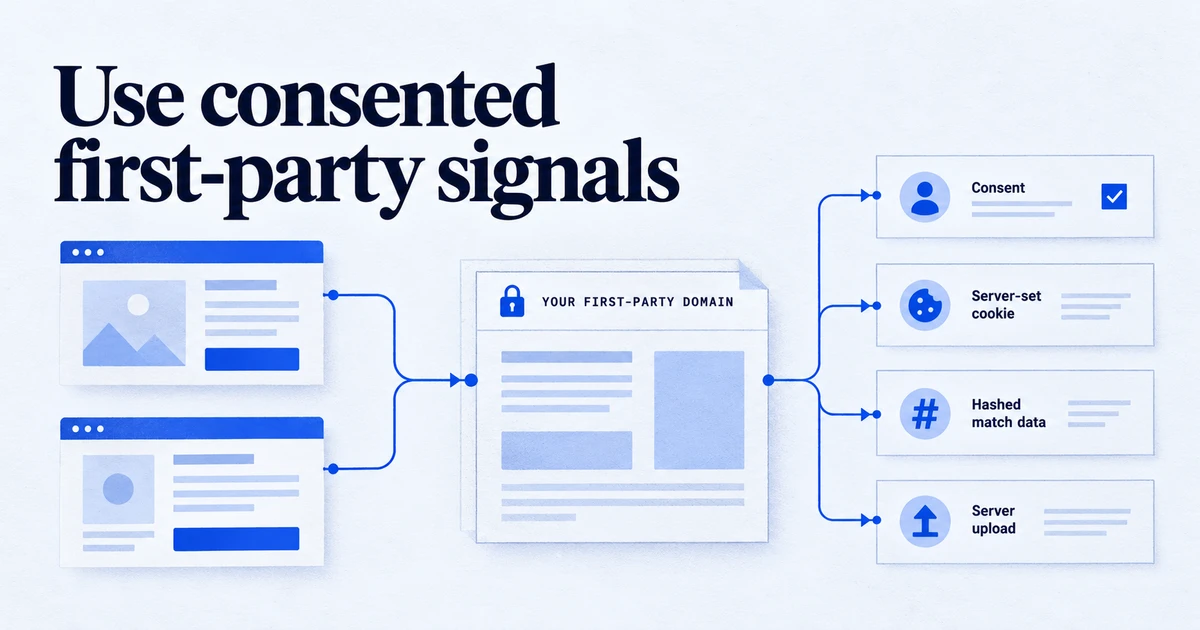
Chrome did not remove third-party cookies: Google decided in April 2025 to keep its current cookie choice and, in October 2025, to retire most Privacy Sandbox APIs, including Topics, Protected Audience and Attribution Reporting. Safari still blocks third-party cookies, caps script-written cookies at 7 days (24 hours after some decorated links) and strips known tracking parameters in Private Browsing. What works in both browsers is consented, first-party data sent from your own domain: server-set cookies, hashed user-provided data for enhanced conversions, and server-to-server uploads.
For five years the plan was that Chrome would switch off third-party cookies and the Privacy Sandbox APIs would replace them. That plan is over. Chrome kept third-party cookies, Google is retiring most of the Sandbox, and Safari's tracking prevention carries on as before. For a marketer this simplifies the picture: the browsers that matter most behave differently, but the data that holds up in both is the same. This article sets out where each browser stands as of October 2026 and what first-party measurement still works.
What happened to third-party cookies in Chrome?
In April 2025 Google published "Next steps for Privacy Sandbox and tracking protections in Chrome". It said Chrome would maintain its current approach to third-party cookie choice and would not roll out the standalone prompt it had proposed in 2024. Users can still choose to block third-party cookies in Chrome's Privacy and Security settings. Incognito mode already blocks them by default.
So in regular Chrome browsing, third-party cookies still work by default in 2026. That does not make them reliable. Some users block them in settings, Incognito blocks them, Safari and Firefox block them, and consent rules in the EEA apply whatever the browser does. A measurement setup that depends on third-party cookies still loses a large and growing share of traffic, just not because of Chrome's default.
Which Privacy Sandbox APIs are being retired?
On 17 October 2025 Google posted "Update on Plans for Privacy Sandbox Technologies". After the cookie decision and, in Google's words, in light of low adoption, it decided to retire most of the Sandbox:
| Technology | Status per Google's October 2025 update |
|---|---|
| Topics (Chrome and Android) | Retired |
| Protected Audience (Chrome and Android) | Retired |
| Attribution Reporting API (Chrome and Android) | Retired |
| Private Aggregation, including Shared Storage | Retired |
| Related Website Sets, including requestStorageAccessFor | Retired |
| IP Protection | Retired |
| SelectURL, Protected App Signals, On-Device Personalization, SDK Runtime | Retired |
| CHIPS (partitioned cookies) | Continues |
| FedCM (federated sign-in) | Continues |
| Private State Tokens | Continues |
Google said it would follow the usual Chrome and Android processes to phase these out. The Chrome 153 release notes, for the stable release on 8 September 2026, list the Attribution Reporting API and the Shared Storage API as planned for deprecation and removal, with the reason given as the decision to keep the current approach to third-party cookies. Check the Privacy Sandbox feature status page for the exact milestone of each API before you remove code that calls it.
For measurement, the one forward-looking item is the interoperable Attribution proposal. Google said it would keep working on it through the web standards process with other browser makers. It is a proposal, not something you can deploy.
If a vendor sold you a "cookieless" solution built on Topics or Protected Audience, ask what replaces it. If your own tags call document.browsingTopics() or register attribution sources, plan to remove those calls.
What does Safari's tracking prevention do in 2026?
Safari never had a Privacy Sandbox to wait for. WebKit's "Tracking Prevention in WebKit" page documents the rules that affect analytics and ads most:
- Third-party cookies are blocked by default, all of them.
- Script-written storage is capped. Cookies created with
document.cookieand other script-writable storage (localStorage, IndexedDB and similar) are deleted after 7 days without a user interaction on the site. - Decorated links cut that to 24 hours. When a domain that ITP classifies as having cross-site tracking capabilities sends a visitor to your site with a decorated link, cookies created in JavaScript on the landing page expire after 24 hours.
- Cloaked third parties are capped too. If a request to your subdomain resolves through a third-party CNAME, or to a third-party IP address, cookies set in that HTTP response are capped at 7 days.
The GA4 _ga cookie and the Google Ads _gcl_aw cookie are written by JavaScript, so they fall under the 7-day and 24-hour caps. In practice, a Safari user who returns after ten days usually looks like a new user, and a conversion more than a day after an ad click may lose its click identifier in the browser.
What is Link Tracking Protection and does it strip click IDs?
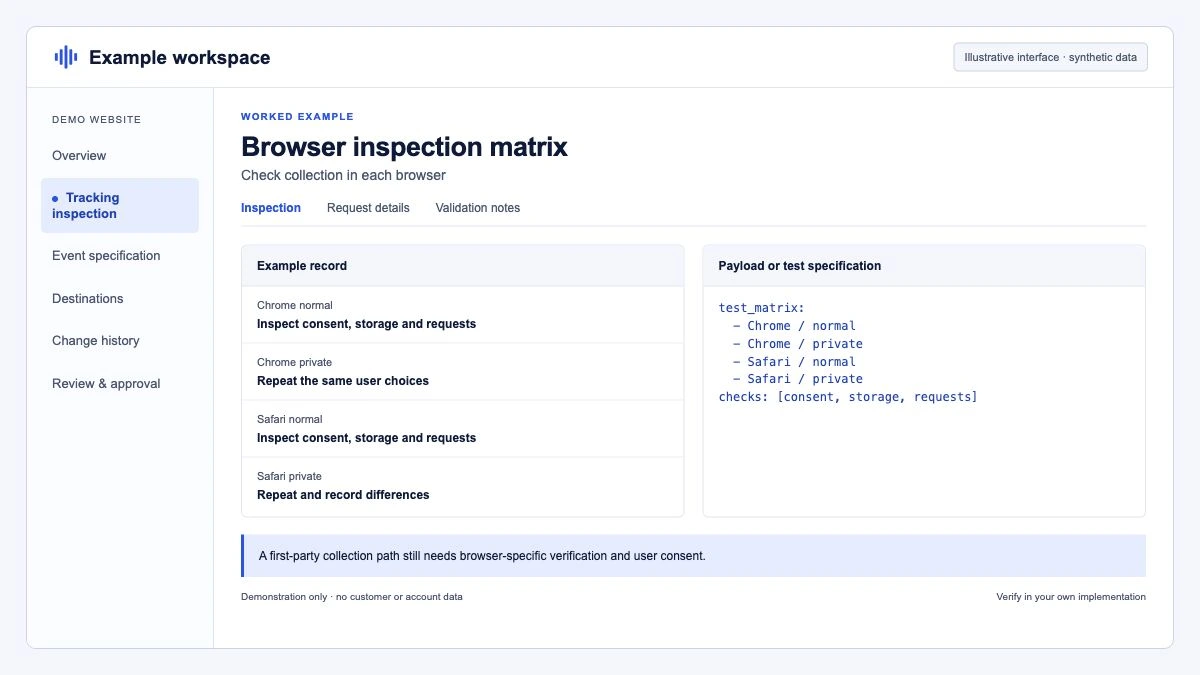
Safari 17 introduced what WebKit calls Private Browsing 2.0. Among other protections, it added Link Tracking Protection: when a user navigates between sites, Safari removes a subset of query parameters identified as being used for pervasive cross-site tracking, before the request leaves the browser. WebKit says parameters used only for campaign attribution, as opposed to click or user-level tracking, pass through. Private Browsing also blocks network loads to known trackers.
Safari 26.0 extended Advanced Fingerprinting Protection. WebKit's release notes say known fingerprinting scripts can no longer reliably read device characteristics such as screen dimensions, hardware concurrency or canvas readback, cannot set long-lived script-written storage, and cannot read state used for navigational tracking such as query parameters and document.referrer. On iOS, iPadOS and visionOS, users can apply the advanced protections to all browsing, not only Private Browsing, under Settings > Apps > Safari > Advanced > Advanced Tracking and Fingerprinting Protection.
Apple does not publish the list of parameters it removes, so we do not list specific click IDs here. Two practical points follow. UTM parameters are campaign-level and are the kind WebKit says it leaves alone. And any parameter that identifies a click or a user should be treated as something that may not arrive, which is why server-side and user-provided signals matter.
Chrome and Safari side by side
| Behaviour | Chrome (regular browsing) | Safari |
|---|---|---|
| Third-party cookies | Allowed by default, user can block, blocked in Incognito | Blocked |
| Privacy Sandbox APIs | Most being retired | Not supported |
| First-party cookies set by JavaScript | Normal expiry | Deleted after 7 days without interaction, 24 hours after some decorated links |
| First-party cookies set by your server | Normal expiry | Normal expiry, 7-day cap if CNAME or IP is a cloaked third party |
| Tracking parameters in URLs | Kept | Known tracking parameters removed in Private Browsing, or all browsing if the user opts in |
| Fingerprinting by known scripts | No specific block | Restricted since Safari 26 under advanced protections |
What first-party data still works in both browsers?
Four approaches hold up in Chrome and Safari alike, provided you have consent where it is needed.
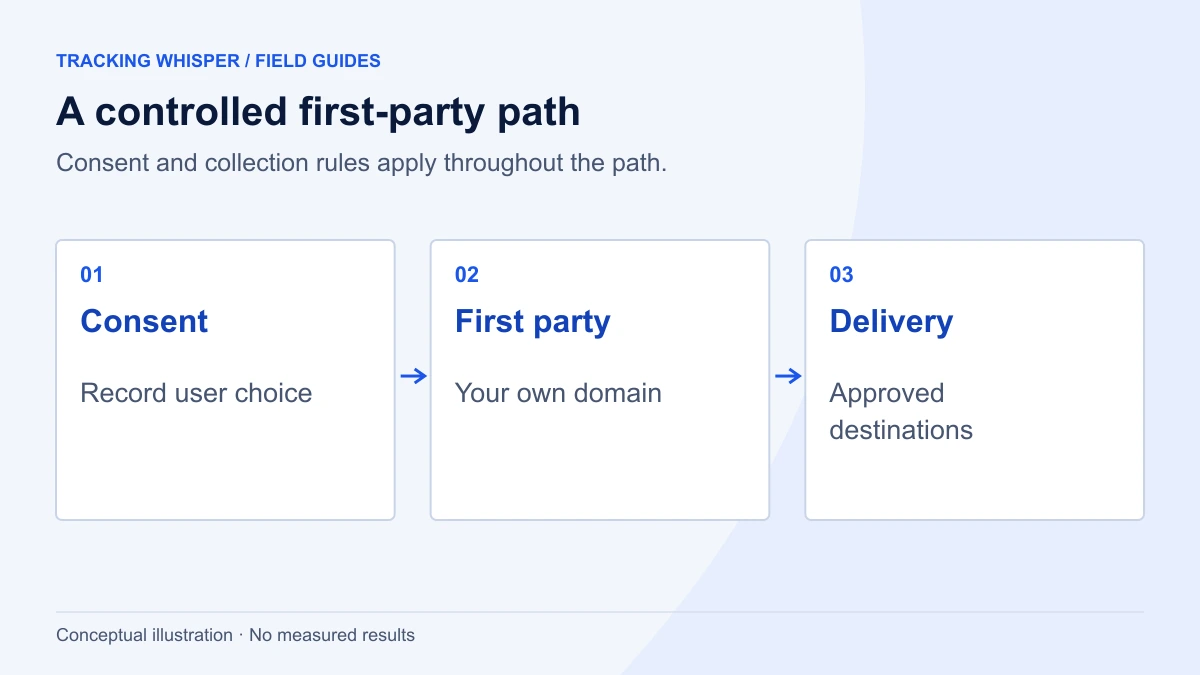
1. Serve tags and set cookies from your own domain
A server-side tagging container on a subdomain of your site, such as metrics.example.com, receives hits in a first-party context. Google's server-side tagging documentation says such a server can write cookies with the HttpOnly flag, which page scripts cannot read, and that the GA4 client can use a server-managed client identifier instead of the script-set _ga value. Cookies set in the HTTP response are not covered by Safari's cap on script-written storage.
The catch is hosting. If the subdomain is a CNAME to a cloud provider, or its IP address is far from your main site's, WebKit treats it as a cloaked third party and caps its cookies at 7 days. The usual remedy is to route the tagging server through the same infrastructure as the site, for example a path on the main domain behind your load balancer or CDN. Test it: set the cookie, then check its expiry in Safari's Web Inspector a day later.
Google tag gateway for advertisers is the lighter version. It serves the Google tag from your own domain through your CDN (Google documents setups for Cloudflare and other providers), without running a full tagging server. It improves how the tag loads; it does not by itself add server-set identifiers. Our article on server-side tagging covers when the full server is worth the cost, and the glossary entry has the definitions.
2. Send user-provided data with consent
When a user logs in, buys or fills in a form, you know who they are. Sending a hashed email or phone number with the conversion lets Google match it without any cookie. In Google Ads this is enhanced conversions. GA4 has a matching setting, user-provided data collection, which you turn on in the admin after accepting the policy.
// On the confirmation page, after consent for ad_user_data is granted
gtag('set', 'user_data', {
  'email': 'customer@example.com',
  'phone_number': '+441234567890'
});
gtag('event', 'purchase', {
  'transaction_id': 'T-10482',
  'value': 129.00,
  'currency': 'GBP'
});
You can pass the values unhashed, as above, and let the Google tag normalise and hash them, or pass sha256_email_address and similar keys if you hash yourself. The setup and verification steps are in our guide to enhanced conversions for web and leads.
3. Move conversions server to server
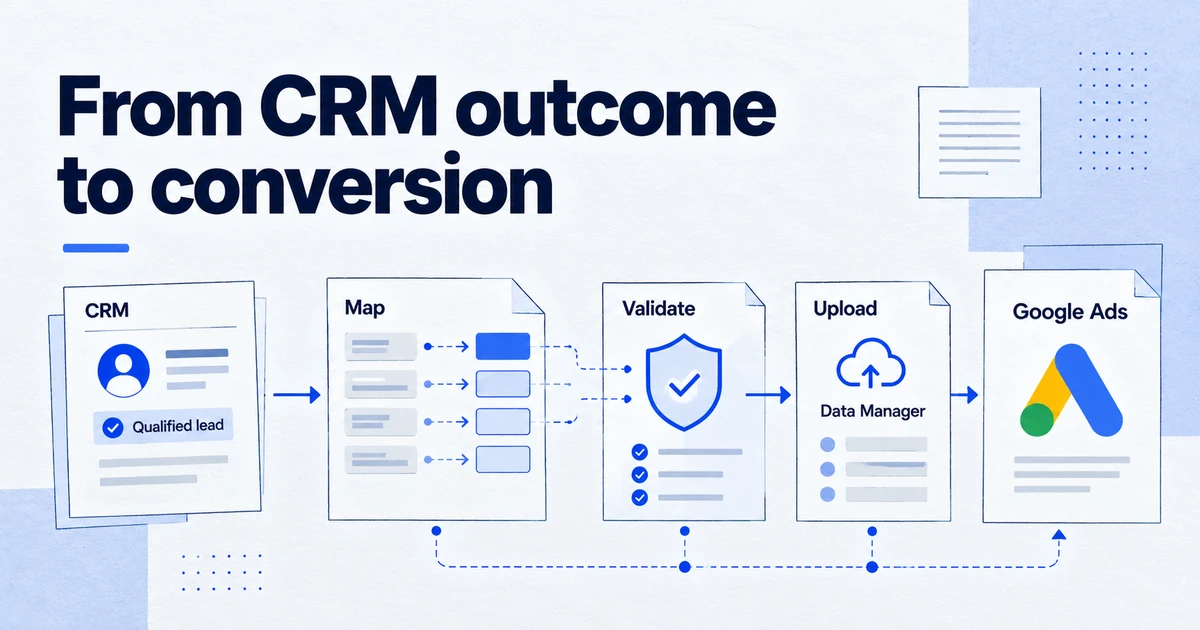
Conversions that happen offline, in a CRM or after a long sales cycle, do not need the browser at all. Uploading them from your systems avoids every cookie cap. Google now routes these uploads through the Data Manager API, covered in our migration guide.
4. Get consent right, then model the rest
None of the above replaces consent. In the EEA, Consent Mode signals decide what Google may use, and since June 2026 they also govern Google Ads identifiers in GA4. Our Consent Mode v2 checklist has the details. Where users decline, Google's modelling fills part of the gap, which works better the cleaner your consented data is.
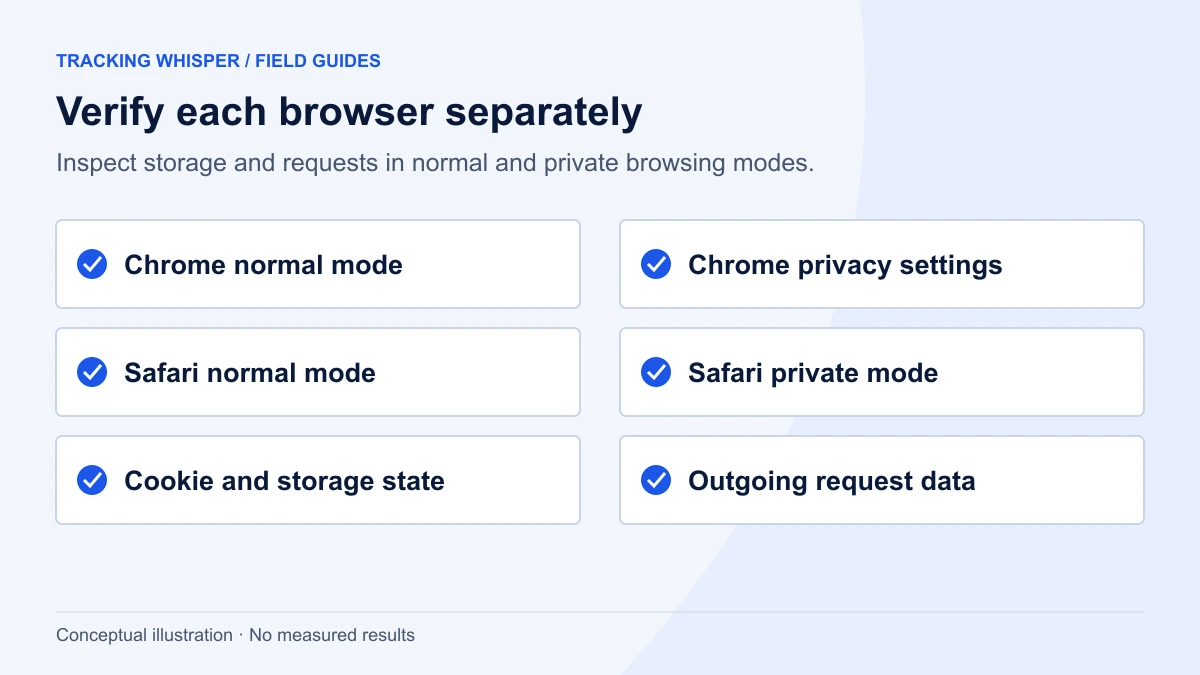
How do you check what your site actually collects?
- Open the site in Safari with Web Inspector. Under Storage > Cookies, note the expiry of
_ga,_gcl_awand any server-set identifier. Script-set cookies should show an expiry no more than seven days out, however long the tag asked for. A server-set cookie that shows its full lifetime is not being capped. - Land through a tagged link. Click an ad or a test link with a click ID and see which parameters reach the landing page in the address bar and in
location.search. - Repeat in Private Browsing. Compare which parameters survive and which requests are blocked.
- Check your tagging subdomain's DNS. If it is a CNAME to a provider domain, expect the 7-day cap on its cookies in Safari.
- Compare by browser in GA4. A Safari share of new users far above Chrome's, on the same traffic sources, is the typical sign of capped cookies.
- Search your code for retired APIs. Look for
browsingTopics,attributionsrcandsharedStoragein tags and templates, and plan to remove them.
// Run in the browser console on your site: lists first-party cookies with expiry
// (Cookie Store API; supported in Chrome, check support before relying on it elsewhere)
(await cookieStore.getAll()).forEach(c =>
  console.log(c.name, c.expires ? new Date(c.expires).toISOString() : 'session')
);
Key takeaways
- Chrome kept third-party cookies by default. Google decided in April 2025 not to launch a standalone choice prompt, and Incognito still blocks them.
- Google is retiring most Privacy Sandbox APIs, including Topics, Protected Audience, Attribution Reporting and Shared Storage. CHIPS, FedCM and Private State Tokens remain.
- Safari still blocks third-party cookies, deletes script-written cookies after 7 days without interaction (24 hours after some decorated links) and caps cookies from cloaked third-party subdomains.
- Link Tracking Protection removes known tracking parameters in Private Browsing, and for users who opt in, in all browsing. Campaign-level parameters pass.
- What works in both browsers: server-set first-party cookies on properly hosted infrastructure, consented user-provided data for enhanced conversions, and server-to-server conversion uploads.
Tracking Whisper checks key pages in a real browser, including which cookies are set, the dataLayer and the hits that leave the page, and monitors tracking so a change in collection shows up as an alert rather than as a gap in next month's report.
Frequently asked questions
Is Chrome still phasing out third-party cookies in 2026?
No. In April 2025 Google said Chrome would keep its current approach to third-party cookie choice and would not roll out a standalone prompt. Users can still block third-party cookies in Chrome's settings, and Incognito blocks them by default.
Which Privacy Sandbox APIs are being retired?
Google's October 2025 update lists Attribution Reporting, IP Protection, Private Aggregation including Shared Storage, Protected Audience, Related Website Sets, SelectURL and Topics, among others. CHIPS, FedCM and Private State Tokens stay. Chrome's release notes for Chrome 153 list Attribution Reporting and Shared Storage as planned for deprecation and removal.
How long does a GA4 cookie last in Safari?
The _ga cookie is written by JavaScript, so Safari's tracking prevention deletes it after 7 days without a user interaction on the site, and caps it at 24 hours when the visitor lands through a decorated link from a domain classified as a tracker. Cookies set by your own server in an HTTP response are not subject to the script-writable cap, unless the server is classed as a cloaked third party.
Does server-side tagging get around Safari's limits?
Partly. A tagging server on your own subdomain can set HttpOnly cookies in the HTTP response, which are not covered by the 7-day cap on script-written storage. But WebKit caps cookies at 7 days when the subdomain resolves through a third-party CNAME or to a third-party IP address, so how you host the server matters.
What is Safari's Link Tracking Protection?
It is a Safari feature, introduced in Safari 17 for Private Browsing, that removes query parameters known to be used for cross-site, user-level tracking before the navigation happens. WebKit says parameters used only for campaign attribution pass through. On iOS, users can extend the advanced protections to all browsing in Safari's settings.
Sources
- Next steps for Privacy Sandbox and tracking protections in Chrome, Privacy Sandbox
- Update on Plans for Privacy Sandbox Technologies, Privacy Sandbox
- Chrome 153 release notes, Chrome for Developers
- Tracking Prevention in WebKit, WebKit
- Private Browsing 2.0, WebKit
- WebKit Features in Safari 26.0, WebKit
- Google tag gateway for advertisers, Google for Developers
- User-provided data collection, Analytics Help
Dimitris builds Tracking Whisper and writes about tracking, analytics and data from the work the agent does every day: GTM containers, GA4 properties, ad platforms and the numbers in between.