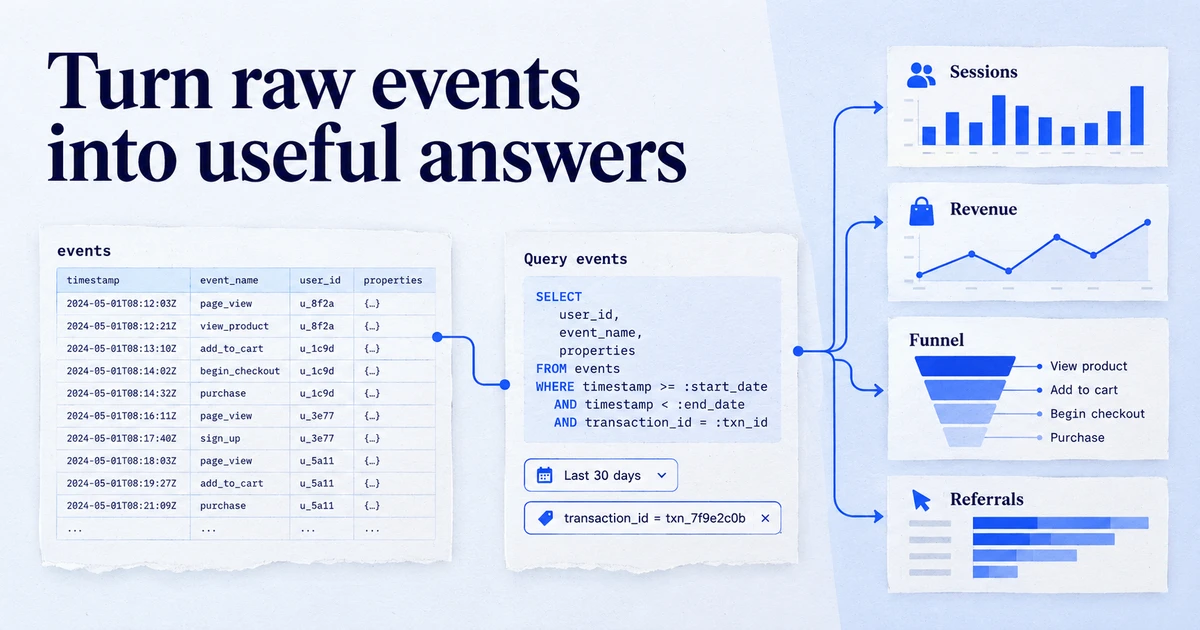
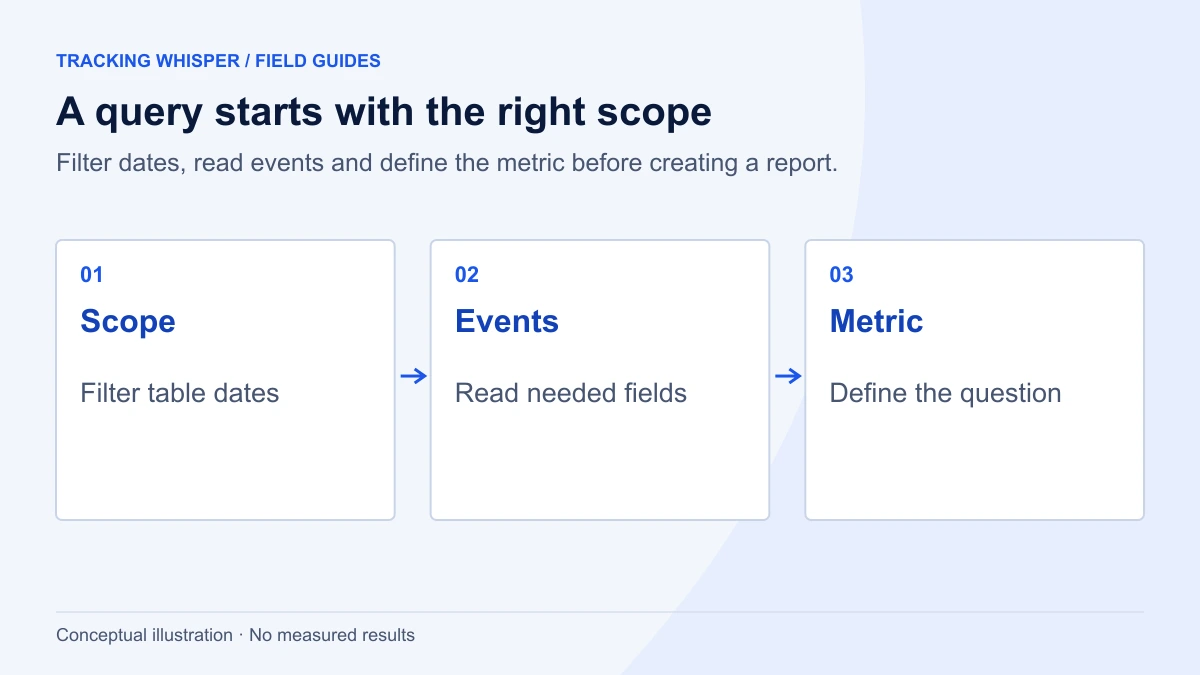
Ten queries cover most of what marketers need from the GA4 BigQuery export: daily users and sessions, sessions and revenue by source and medium, landing pages, deduplicated revenue, duplicate transactions, product sales, an ecommerce funnel, leads by page, new users and AI assistant referrals. Each one reads the events_* tables, filters on _TABLE_SUFFIX to control cost, and builds sessions from user_pseudo_id plus the ga_session_id parameter.
The GA4 interface is fine for a quick look, but the questions marketers ask every month (which channel actually brought revenue, which landing pages convert, whether purchases are double counted) are easier to answer reliably from the BigQuery export. The SQL is not hard once you know the shape of the data. Below are ten queries we keep in every project, written for the standard GA4 export and tested against its schema.
How is the GA4 export structured?
The export writes one table per day, events_YYYYMMDD, plus events_intraday_YYYYMMDD while the day is still running if you enabled streaming. Every row is one event. A few details shape every query:
event_dateis aYYYYMMDDstring in the property's time zone.event_timestampis in microseconds, UTC.- Event parameters sit in the repeated record
event_params, as key and value pairs, with the value split intostring_value,int_value,float_valueanddouble_value. You read one with a small subquery overUNNEST(event_params). - Ecommerce fields are in the
ecommercerecord (for exampleecommerce.transaction_idandecommerce.purchase_revenue) and products are in the repeateditemsrecord. - Traffic source comes in three flavours.
traffic_sourceis user-scoped (first acquisition).collected_traffic_sourceholds what was collected on the event.session_traffic_source_last_clickreflects session-scoped last-click attribution and is present on every event, so it is the one to use for session reporting. - Sessions have no table of their own. A session is
user_pseudo_idplus thega_session_idevent parameter. is_active_useris populated only in daily tables, not intraday ones.
If you want to practise before touching client data, Google publishes an obfuscated sample ecommerce dataset for this purpose, bigquery-public-data.ga4_obfuscated_sample_ecommerce.
In all queries below, replace my-project.analytics_123456789 with your project and dataset, and adjust the dates. Each query filters on _TABLE_SUFFIX, which is what stops BigQuery from scanning every day you have ever exported. Because the suffix of intraday tables starts with intraday_, a numeric date range also keeps them out.
1. How many users, sessions and key events did we get each day?
WITH events AS (
  SELECT
    event_date,
    event_name,
    user_pseudo_id,
    (SELECT value.int_value FROM UNNEST(event_params) WHERE key = 'ga_session_id') AS session_id
  FROM `my-project.analytics_123456789.events_*`
  WHERE _TABLE_SUFFIX BETWEEN '20260901' AND '20260930'
)
SELECT
  PARSE_DATE('%Y%m%d', event_date) AS day,
  COUNT(DISTINCT user_pseudo_id) AS users,
  COUNT(DISTINCT CONCAT(user_pseudo_id, '.', CAST(session_id AS STRING))) AS sessions,
  COUNTIF(event_name = 'page_view') AS page_views,
  COUNTIF(event_name = 'generate_lead') AS leads,
  COUNTIF(event_name = 'purchase') AS purchase_events
FROM events
GROUP BY day
ORDER BY day;
This is the sanity check to run first. If sessions here differ from the GA4 interface by a few per cent, that is expected: Google's guide to bridging the UI and the export explains that the interface estimates user and session counts and applies other processing. A gap of 30 per cent means something is wrong in the query or the date boundaries.
2. Which sources and mediums bring sessions and revenue?
WITH events AS (
  SELECT
    user_pseudo_id,
    (SELECT value.int_value FROM UNNEST(event_params) WHERE key = 'ga_session_id') AS session_id,
    event_name,
    ecommerce.purchase_revenue AS revenue,
    session_traffic_source_last_click.manual_campaign.source AS source,
    session_traffic_source_last_click.manual_campaign.medium AS medium
  FROM `my-project.analytics_123456789.events_*`
  WHERE _TABLE_SUFFIX BETWEEN '20260901' AND '20260930'
),
sessions AS (
  SELECT
    user_pseudo_id,
    session_id,
    IFNULL(MAX(source), '(not set)') AS source,
    IFNULL(MAX(medium), '(not set)') AS medium,
    COUNTIF(event_name = 'purchase') AS purchases,
    SUM(IF(event_name = 'purchase', IFNULL(revenue, 0), 0)) AS revenue
  FROM events
  WHERE session_id IS NOT NULL
  GROUP BY user_pseudo_id, session_id
)
SELECT
  CONCAT(source, ' / ', medium) AS source_medium,
  COUNT(*) AS sessions,
  SUM(purchases) AS purchases,
  ROUND(SUM(revenue), 2) AS revenue,
  ROUND(100 * SAFE_DIVIDE(COUNTIF(purchases > 0), COUNT(*)), 2) AS session_conversion_pct
FROM sessions
GROUP BY source_medium
ORDER BY sessions DESC
LIMIT 25;
This uses session-scoped last click, which is closest to the Traffic acquisition report. It is not the same as the data-driven attribution model in GA4's advertising reports, so do not expect those numbers to match.
3. Which landing pages start the most sessions?
WITH page_views AS (
  SELECT
    user_pseudo_id,
    (SELECT value.int_value FROM UNNEST(event_params) WHERE key = 'ga_session_id') AS session_id,
    event_timestamp,
    (SELECT value.string_value FROM UNNEST(event_params) WHERE key = 'page_location') AS page_location
  FROM `my-project.analytics_123456789.events_*`
  WHERE _TABLE_SUFFIX BETWEEN '20260901' AND '20260930'
    AND event_name = 'page_view'
),
landings AS (
  SELECT
    user_pseudo_id,
    session_id,
    ARRAY_AGG(page_location IGNORE NULLS ORDER BY event_timestamp LIMIT 1)[SAFE_OFFSET(0)] AS first_page
  FROM page_views
  WHERE session_id IS NOT NULL
  GROUP BY user_pseudo_id, session_id
)
SELECT
  REGEXP_REPLACE(first_page, r'[?#].*$', '') AS landing_page,
  COUNT(*) AS sessions
FROM landings
GROUP BY landing_page
ORDER BY sessions DESC
LIMIT 50;
Stripping the query string groups ?gclid= and UTM variants of the same page together. Remove the REGEXP_REPLACE if you need to see them separately.
4. What was our revenue per day, counting each order once?
WITH orders AS (
  SELECT
    event_date,
    ecommerce.transaction_id AS transaction_id,
    MAX(ecommerce.purchase_revenue) AS revenue
  FROM `my-project.analytics_123456789.events_*`
  WHERE _TABLE_SUFFIX BETWEEN '20260901' AND '20260930'
    AND event_name = 'purchase'
    AND ecommerce.transaction_id IS NOT NULL
    AND ecommerce.transaction_id NOT IN ('', '(not set)')
  GROUP BY event_date, transaction_id
)
SELECT
  PARSE_DATE('%Y%m%d', event_date) AS day,
  COUNT(*) AS orders,
  ROUND(SUM(revenue), 2) AS revenue,
  ROUND(SAFE_DIVIDE(SUM(revenue), COUNT(*)), 2) AS average_order_value
FROM orders
GROUP BY day
ORDER BY day;
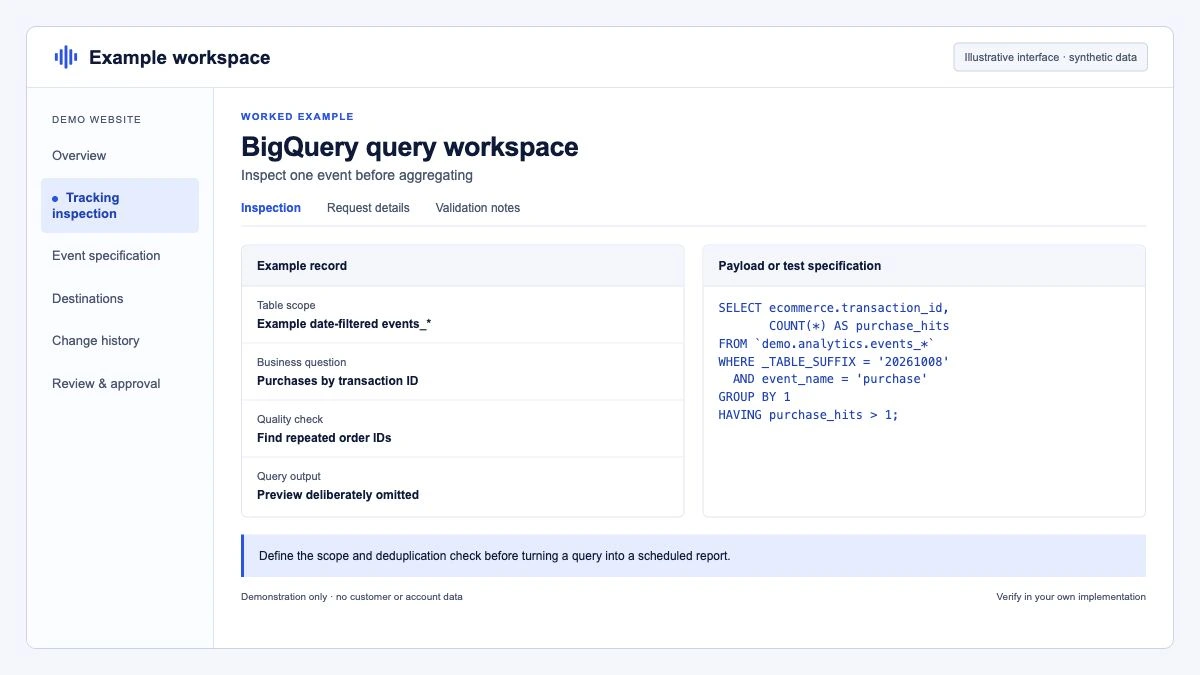
Grouping by transaction_id first means a purchase sent twice counts once. Compare the result with your shop or ERP. If BigQuery revenue is consistently higher than the shop, query 5 will usually tell you why.
5. Are any transactions recorded more than once?
SELECT
  ecommerce.transaction_id AS transaction_id,
  COUNT(*) AS purchase_events,
  COUNT(DISTINCT user_pseudo_id) AS distinct_users,
  MIN(TIMESTAMP_MICROS(event_timestamp)) AS first_seen,
  MAX(TIMESTAMP_MICROS(event_timestamp)) AS last_seen
FROM `my-project.analytics_123456789.events_*`
WHERE _TABLE_SUFFIX BETWEEN '20260901' AND '20260930'
  AND event_name = 'purchase'
  AND ecommerce.transaction_id IS NOT NULL
GROUP BY transaction_id
HAVING COUNT(*) > 1
ORDER BY purchase_events DESC
LIMIT 100;
The gap between first_seen and last_seen is the clue. Seconds apart usually means two tags firing. Hours or days apart usually means the confirmation page was reloaded or revisited. Our guide to duplicate purchase events in GA4 covers the fixes for each.
6. Which products sell, by units and revenue?
SELECT
  item.item_id,
  item.item_name,
  SUM(item.quantity) AS units,
  ROUND(SUM(item.item_revenue), 2) AS revenue,
  COUNT(DISTINCT ecommerce.transaction_id) AS orders
FROM `my-project.analytics_123456789.events_*`,
  UNNEST(items) AS item
WHERE _TABLE_SUFFIX BETWEEN '20260901' AND '20260930'
  AND event_name = 'purchase'
GROUP BY item.item_id, item.item_name
ORDER BY revenue DESC
LIMIT 50;
If revenue is empty or zero while units is filled, check how price is sent in the items array of the dataLayer: it should be a plain number per unit, without currency symbols.
7. Where do users drop out of the ecommerce funnel?
WITH user_steps AS (
  SELECT
    user_pseudo_id,
    MAX(IF(event_name = 'view_item', 1, 0)) AS viewed_item,
    MAX(IF(event_name = 'add_to_cart', 1, 0)) AS added_to_cart,
    MAX(IF(event_name = 'begin_checkout', 1, 0)) AS began_checkout,
    MAX(IF(event_name = 'purchase', 1, 0)) AS purchased
  FROM `my-project.analytics_123456789.events_*`
  WHERE _TABLE_SUFFIX BETWEEN '20260901' AND '20260930'
    AND event_name IN ('view_item', 'add_to_cart', 'begin_checkout', 'purchase')
  GROUP BY user_pseudo_id
)
SELECT
  SUM(viewed_item) AS view_item_users,
  SUM(added_to_cart) AS add_to_cart_users,
  SUM(began_checkout) AS begin_checkout_users,
  SUM(purchased) AS purchase_users,
  ROUND(100 * SAFE_DIVIDE(SUM(added_to_cart), SUM(viewed_item)), 1) AS view_to_cart_pct,
  ROUND(100 * SAFE_DIVIDE(SUM(began_checkout), SUM(added_to_cart)), 1) AS cart_to_checkout_pct,
  ROUND(100 * SAFE_DIVIDE(SUM(purchased), SUM(began_checkout)), 1) AS checkout_to_purchase_pct
FROM user_steps;
This is an open funnel: it counts users who did each step in the period, in any order. If purchase_users exceeds begin_checkout_users, the begin_checkout event is missing on part of the site, often an express payment button that skips the checkout page.
8. Which pages and channels generate leads?
WITH leads AS (
  SELECT
    (SELECT value.string_value FROM UNNEST(event_params) WHERE key = 'page_location') AS page_location,
    IFNULL(session_traffic_source_last_click.manual_campaign.medium, '(not set)') AS medium
  FROM `my-project.analytics_123456789.events_*`
  WHERE _TABLE_SUFFIX BETWEEN '20260901' AND '20260930'
    AND event_name = 'generate_lead'
)
SELECT
  REGEXP_REPLACE(page_location, r'[?#].*$', '') AS page,
  medium,
  COUNT(*) AS leads
FROM leads
GROUP BY page, medium
ORDER BY leads DESC
LIMIT 50;
Replace generate_lead with your own event name if the site uses something else, such as form_submit with a form ID parameter. For B2B sites this table is often more useful than any standard report, because it shows which content produces enquiries, not just traffic.
9. How many new and returning users came each day?
SELECT
  PARSE_DATE('%Y%m%d', event_date) AS day,
  COUNT(DISTINCT user_pseudo_id) AS users,
  COUNT(DISTINCT IF(event_name = 'first_visit', user_pseudo_id, NULL)) AS new_users,
  COUNT(DISTINCT user_pseudo_id)
    - COUNT(DISTINCT IF(event_name = 'first_visit', user_pseudo_id, NULL)) AS returning_users
FROM `my-project.analytics_123456789.events_*`
WHERE _TABLE_SUFFIX BETWEEN '20260901' AND '20260930'
GROUP BY day
ORDER BY day;
first_visit is logged the first time a browser is seen. A sudden jump in new users with no change in campaigns often means cookies are being reset, for example by a consent banner change or a cookie that is now set on the wrong domain.
10. How much traffic comes from AI assistants?
WITH page_views AS (
  SELECT
    user_pseudo_id,
    (SELECT value.int_value FROM UNNEST(event_params) WHERE key = 'ga_session_id') AS session_id,
    (SELECT value.string_value FROM UNNEST(event_params) WHERE key = 'page_referrer') AS page_referrer
  FROM `my-project.analytics_123456789.events_*`
  WHERE _TABLE_SUFFIX BETWEEN '20260901' AND '20260930'
    AND event_name = 'page_view'
)
SELECT
  REGEXP_EXTRACT(page_referrer, r'^https?://([^/?#]+)') AS referrer_host,
  COUNT(DISTINCT CONCAT(user_pseudo_id, '.', CAST(session_id AS STRING))) AS sessions,
  COUNT(*) AS page_views
FROM page_views
WHERE REGEXP_CONTAINS(
  page_referrer,
  r'^https?://([a-z0-9-]+\.)*(chatgpt\.com|openai\.com|perplexity\.ai|gemini\.google\.com|claude\.ai|copilot\.microsoft\.com)(/|$)'
)
GROUP BY referrer_host
ORDER BY sessions DESC;
This only catches visits where the assistant passed a referrer. Treat it as a floor, not a total, and keep the list of domains up to date. For how GA4 itself now groups this traffic, see our article on GA4's AI Assistant channel.
How do you turn these into a reporting routine?
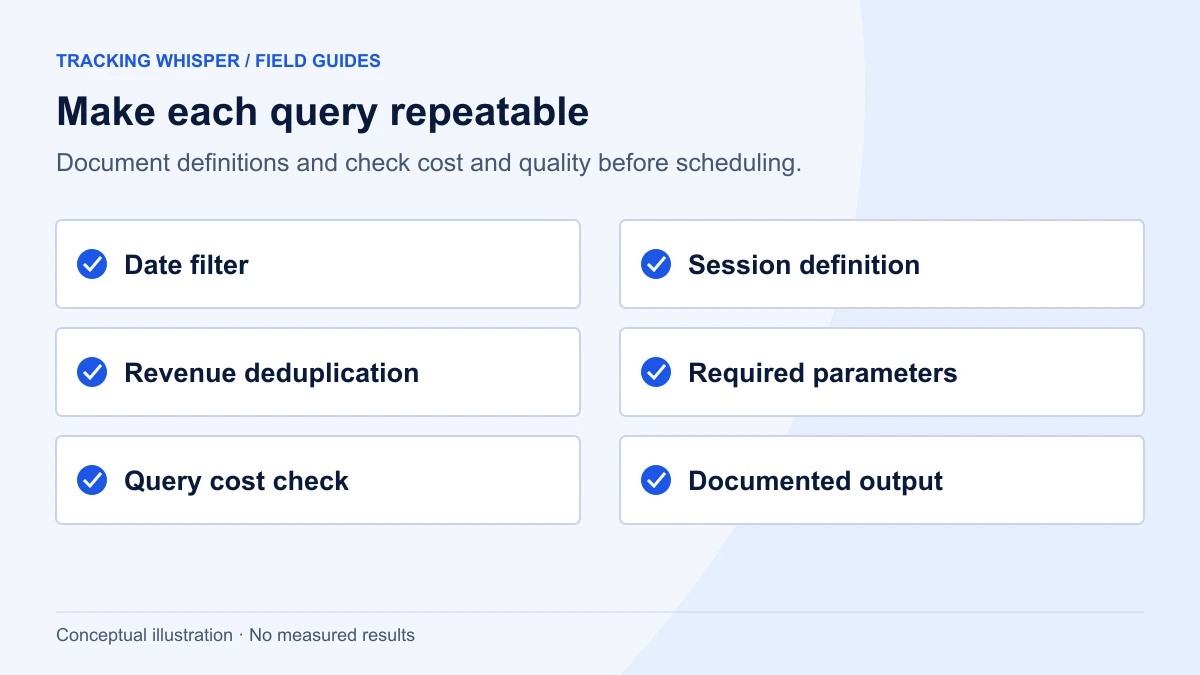
Running raw queries for every dashboard refresh is slow and costs more than it needs to. A better pattern:
- Save each query as a scheduled query that writes yesterday's results into a summary table (for example
reporting.daily_source_medium), with_TABLE_SUFFIXset to yesterday's date. - Schedule it after the export lands. Google's data freshness page puts daily BigQuery event tables at around midday in the property's time zone for most properties, so a run in the early afternoon is safe.
- Point Looker Studio or your BI tool at the summary tables, not the raw
events_*tables. - Add a check that the summary table has a row for yesterday, so a failed export does not silently produce a flat line. Our article on data quality monitoring has a freshness query for this.
Key takeaways
- Every GA4 export query should filter
_TABLE_SUFFIXon theevents_*wildcard and select only the columns it needs. - Sessions are
user_pseudo_idplus thega_session_idparameter. Read parameters with a subquery overUNNEST(event_params). - Use
session_traffic_source_last_clickfor session-level source and medium, andtraffic_sourceonly for first acquisition. - Deduplicate revenue by
ecommerce.transaction_id, and use the duplicate query to find out why duplicates happen. - Expect small differences from the GA4 interface. Large ones are a sign of a query or tracking problem.
Tracking Whisper works with BigQuery alongside GA4, so these kinds of queries can be run and explained as part of its analysis across channels. The BigQuery integration page explains what it connects to.
Frequently asked questions
Why don't my BigQuery numbers match the GA4 reports?
The GA4 interface applies processing the raw export does not, including estimated user and session counts, thresholding, modelled data and attribution. The export is the raw event stream. Small differences are normal; large ones usually point to a query error such as missing table filters or different date or time zone boundaries.
How do I count sessions in the GA4 BigQuery export?
There is no session table. Combine user_pseudo_id with the integer value of the ga_session_id event parameter and count distinct combinations. ga_session_id alone is not unique across users.
How do I keep GA4 BigQuery queries cheap?
Always restrict the date range with _TABLE_SUFFIX on the events_* wildcard, and select only the columns you need, because BigQuery on-demand pricing charges by the data scanned in the columns you reference. Build reusable daily summary tables with scheduled queries rather than re-reading raw events for every dashboard.
Which field gives the session's source and medium in BigQuery?
Use the session_traffic_source_last_click record, which Google's documentation describes as reflecting session-scoped last-click attribution and which is available on every event. The older traffic_source record is user-scoped and describes how the user was first acquired.
When is yesterday's GA4 data available in BigQuery?
Google's data freshness documentation says daily BigQuery event tables typically land around midday in the property's time zone for most properties. Intraday tables update during the day but are less complete, so use daily tables for reporting.
Sources
- BigQuery Export schema, Analytics Help
- Basic queries for Google Analytics event data export, Google for Developers
- Traffic attribution data, Google for Developers
- Bridge the gap between the Google Analytics UI and BigQuery export, Google for Developers
- [GA4] Data freshness, Analytics Help
- BigQuery sample dataset for Google Analytics ecommerce web implementation, Google for Developers
Dimitris builds Tracking Whisper and writes about tracking, analytics and data from the work the agent does every day: GTM containers, GA4 properties, ad platforms and the numbers in between.