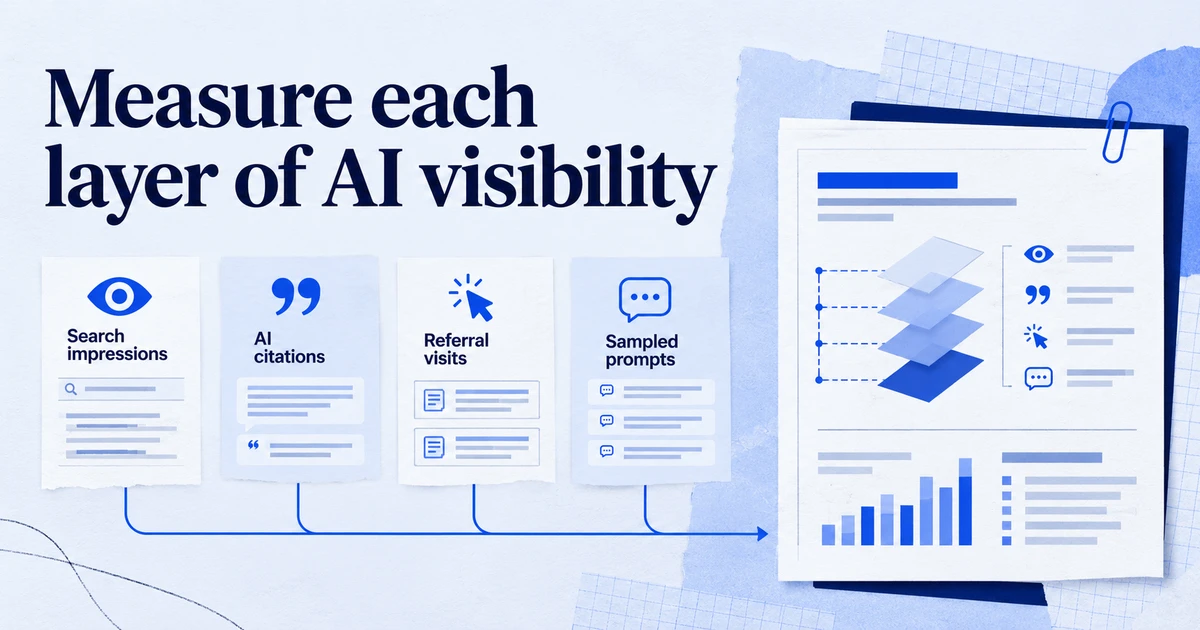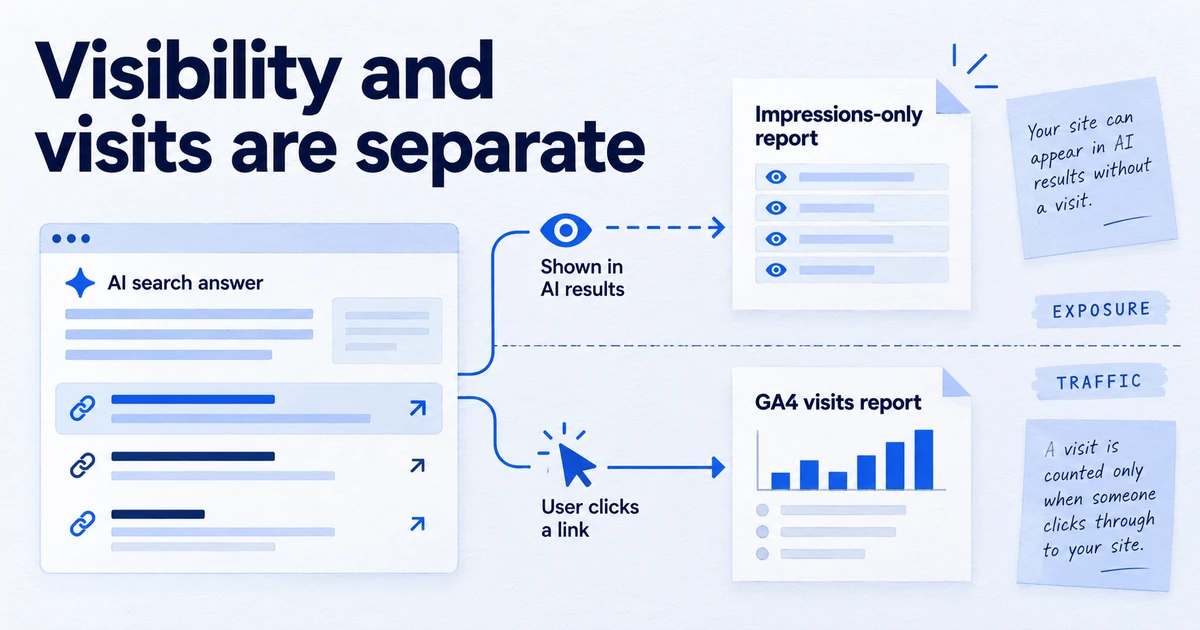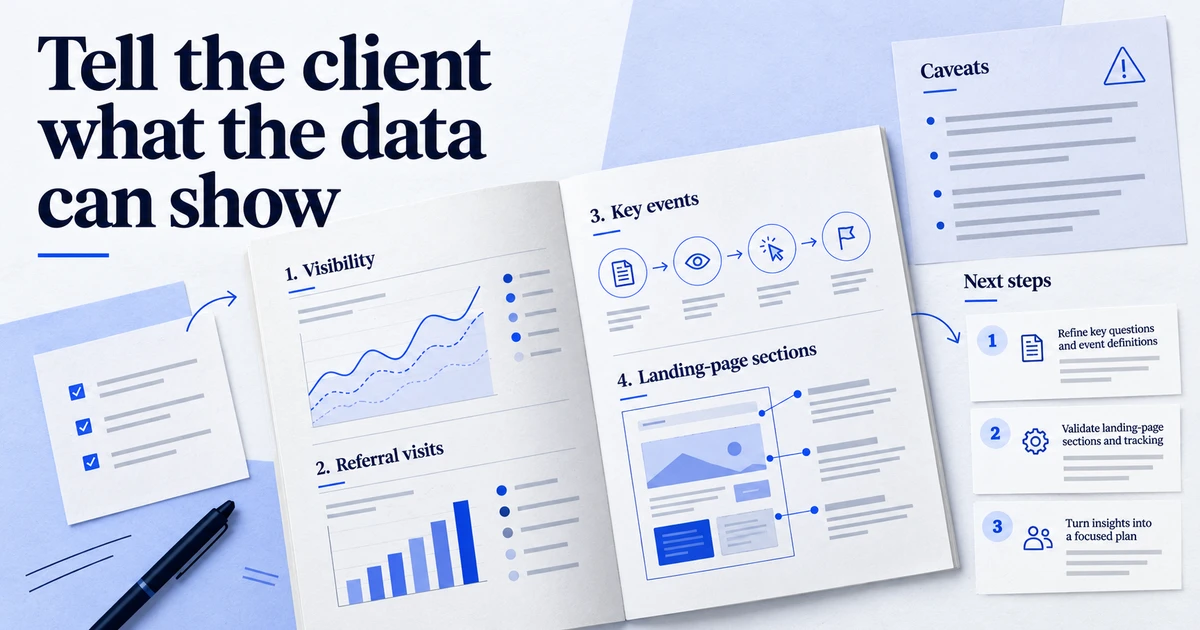
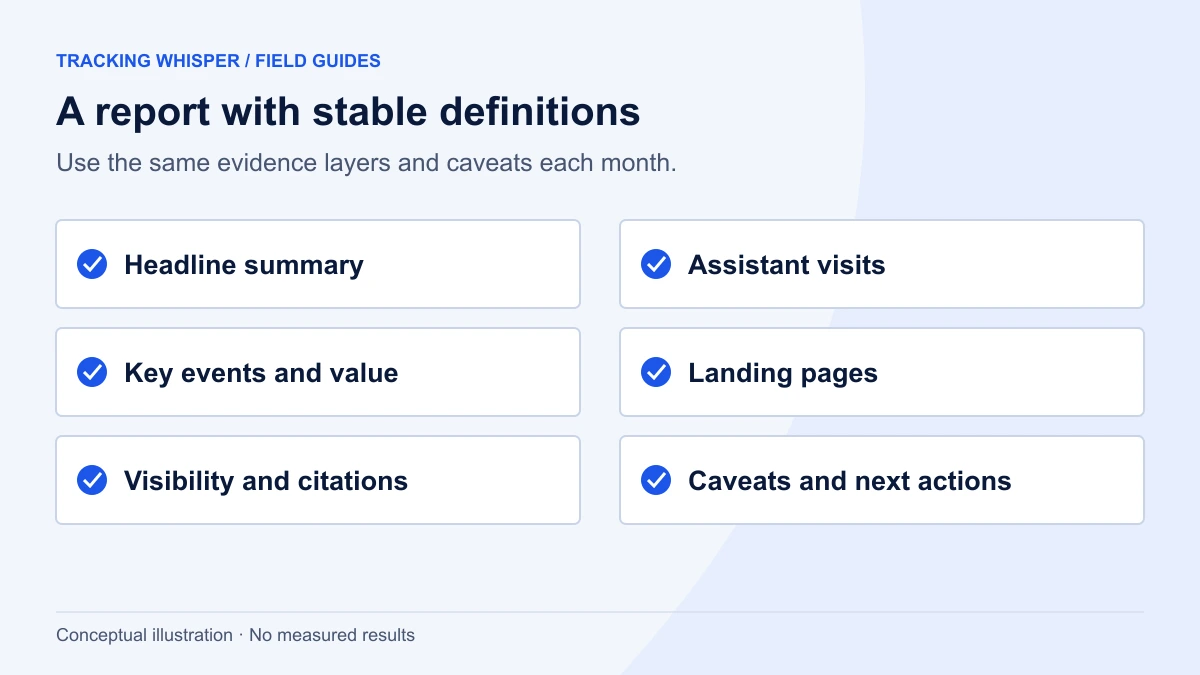
A good monthly AI traffic report separates what was seen from what was visited: AI impressions from Search Console and citations from Bing Webmaster Tools on one side, GA4 AI Assistant sessions and their key events on the other. It fits on two pages: a headline summary, five fixed sections with stable definitions, a caveats box that explains Direct traffic and missing click data, and two or three actions for the next month.
Clients now ask about AI every month: are we showing up in ChatGPT, did AI Overviews take our traffic, is any of this worth money. In 2026 agencies finally have first-party data to answer, from GA4's AI Assistant channel, Search Console's generative AI report and Bing Webmaster Tools. The risk has shifted from having no numbers to presenting numbers that mean different things as if they were one. This template keeps them apart, keeps definitions stable month to month, and fits on two pages.
What has changed in the data available in 2026?
Three sources arrived within a few months of each other:
| Source | Since | What it gives you | What it lacks |
|---|---|---|---|
| GA4 AI Assistant channel | May 2026 | Sessions referred by recognised assistants, medium ai-assistant | Visits without a referrer; Google AI features |
| Search Console generative AI report | June 2026, all sites by 31 August 2026 | Impressions in AI Overviews, AI Mode and Discover AI features | Clicks, CTR, position, queries |
| Bing Webmaster Tools AI Performance | February 2026 preview; citation share added June 2026 | Citations in Copilot and Bing AI answers, grounding queries | Other assistants |
Each answers a different question. GA4 says who visited. Search Console says how often you were shown in Google's AI features. Bing says how often you were cited in Microsoft's. The template gives each its own section.
What does the monthly template look like?
Two pages, always in the same order:
- Headline summary: three sentences and three numbers.
- Visits from AI assistants (GA4).
- Quality of those visits (GA4).
- Landing pages (GA4).
- Visibility in Google AI features (Search Console).
- Citations in Microsoft AI answers (Bing Webmaster Tools), if relevant.
- Caveats and method (fixed text, updated only when something changes).
- Actions for next month: two or three, each with an owner.
Keeping the order fixed matters more than the design. Clients learn where to look, and a missing section becomes obvious.
How do you write the headline summary?
Three sentences, one per question the client actually has:
- Are AI assistants sending visitors? "AI assistants sent [X] sessions in [month], [up/down] [Y]% on [previous month], mostly from [top source]."
- Are those visitors valuable? "They converted at [rate] against [rate] for organic search on the same pages."
- Are we visible in Google's AI answers? "Our pages appeared [X] times in AI Overviews and AI Mode, [Z]% of our total Google impressions."
Then three numbers in large type: AI assistant sessions, AI assistant key events, and AI impression share. Do not invent a composite "AI score". It hides which input moved.
Section 2: how do you report visits from AI assistants?
Use a custom channel group rather than the Default Channel Group, for two reasons. Google's default list of assistants is illustrative and can change, while a custom group gives you a definition you control. And Google documents that custom channel groups apply to reports retroactively, so you can show a trend from before May 2026.
Build it once per client:
- In GA4, go to Admin, and under Data display click Channel groups, then Create new channel group.
- Add a channel named AI assistants with two conditions joined by OR: Medium exactly matches
ai-assistant, or Source matches a regex of assistant domains, such aschatgpt.com,gemini.google.com,claude.ai,perplexity.aiandcopilot.microsoft.com. - Click Reorder and place it above Referral, click Apply, then Save group.
- Use the same name and rules in every client property so your reports compare like with like.
Report sessions by source for the month and the previous 12 months. OpenAI documents that ChatGPT search adds utm_source=chatgpt.com to links, so ChatGPT usually appears with a clean source name. The full mechanics are in GA4's AI Assistant channel.
Section 3: how do you show whether the visits are worth anything?
Volumes alone invite the wrong conclusion, because AI traffic is usually small next to search. Compare rates instead, against Organic Search:
| Metric | AI assistants | Organic Search |
|---|---|---|
| Sessions | ||
| Engagement rate | ||
| Key events per session | ||
| Key event rate | ||
| Revenue per session (ecommerce) |
GA4 counts an engaged session as one that lasted longer than 10 seconds, had a key event, or had at least two page or screen views. Engagement rate is engaged sessions divided by sessions. Say this in the method box once, so the client knows what the rate means.
If the client exports GA4 to BigQuery, this query produces the table above for a month. It classifies AI sessions with the same rule as the custom channel group:
WITH events AS (
  SELECT
    user_pseudo_id,
    (SELECT value.int_value FROM UNNEST(event_params) WHERE key = 'ga_session_id') AS session_id,
    (SELECT value.string_value FROM UNNEST(event_params) WHERE key = 'session_engaged') AS session_engaged,
    session_traffic_source_last_click.cross_channel_campaign.source AS source,
    session_traffic_source_last_click.cross_channel_campaign.medium AS medium,
    event_name,
    ecommerce.purchase_revenue AS revenue
  FROM `my-project.analytics_123456789.events_*`
  WHERE _TABLE_SUFFIX BETWEEN '20260901' AND '20260930'
),
sessions AS (
  SELECT
    user_pseudo_id,
    session_id,
    ANY_VALUE(source) AS source,
    ANY_VALUE(medium) AS medium,
    MAX(IF(session_engaged = '1', 1, 0)) AS engaged,
    COUNTIF(event_name = 'purchase') AS purchases,
    SUM(IFNULL(revenue, 0)) AS revenue
  FROM events
  WHERE session_id IS NOT NULL
  GROUP BY user_pseudo_id, session_id
)
SELECT
  CASE
    WHEN medium = 'ai-assistant'
      OR REGEXP_CONTAINS(source, r'^(chatgpt\.com|chat\.openai\.com|gemini\.google\.com|claude\.ai|perplexity\.ai|copilot\.microsoft\.com)$')
      THEN 'AI assistants'
    WHEN medium = 'organic' THEN 'Organic Search'
    ELSE 'Other'
  END AS channel,
  COUNT(*) AS sessions,
  ROUND(AVG(engaged), 3) AS engagement_rate,
  ROUND(SAFE_DIVIDE(SUM(purchases), COUNT(*)), 4) AS purchases_per_session,
  ROUND(SAFE_DIVIDE(SUM(revenue), COUNT(*)), 2) AS revenue_per_session
FROM sessions
GROUP BY channel
ORDER BY sessions DESC;
Swap purchase for the client's main key event if it is a lead generation site. Expect small differences from the GA4 interface and say so; the point is the comparison between channels, not the third decimal.
Section 4: which landing pages should you show?
List the top 10 landing pages for AI assistant sessions, with sessions and key event rate for each, and mark any page that is new to the list this month. This is the section clients act on, because it shows which content assistants send people to. It also often reveals pages that receive AI visitors but convert poorly, for example an old blog post that answers a question but has no route to the product.
Section 5: how do you report Google AI visibility?
Search Console's generative AI report shows how often links to the client's pages appeared in AI Overviews and AI Mode. It has impressions by page, country, device and date, and no clicks. Report three things:
- AI impressions for the month and the trend.
- AI impression share: AI impressions divided by total Web impressions from the standard Performance report for the same period. Label it as an indicator, since the two reports aggregate slightly differently.
- Top pages by AI impressions, set against their organic clicks from the standard report.
Be explicit that clicks from AI Overviews and AI Mode are inside total organic clicks and cannot be separated, and that in GA4 they count as Organic Search, not AI Assistant. Clients often assume the AI Assistant channel includes Google's AI answers. More detail is in Search Console's generative AI report.
Section 6: when should Bing citations be included?
Include them when the client's audience uses Bing or Microsoft Copilot. Bing Webmaster Tools' AI Performance report shows citations in Copilot and Bing AI answers, cited pages and grounding queries. Since June 2026 it also offers, in preview, citation share per grounding query: your percentage of all citations shown for that query. Report total citations, the top cited pages and the citation share for the client's five most important grounding queries. If you also run a prompt panel for ChatGPT and others, put its citation share here too, with the method; GEO vs SEO describes how to run one.
What goes in the caveats box?
Write it once and reuse it. Clients trust a report more when its limits are stated before anyone asks. A version that holds up:
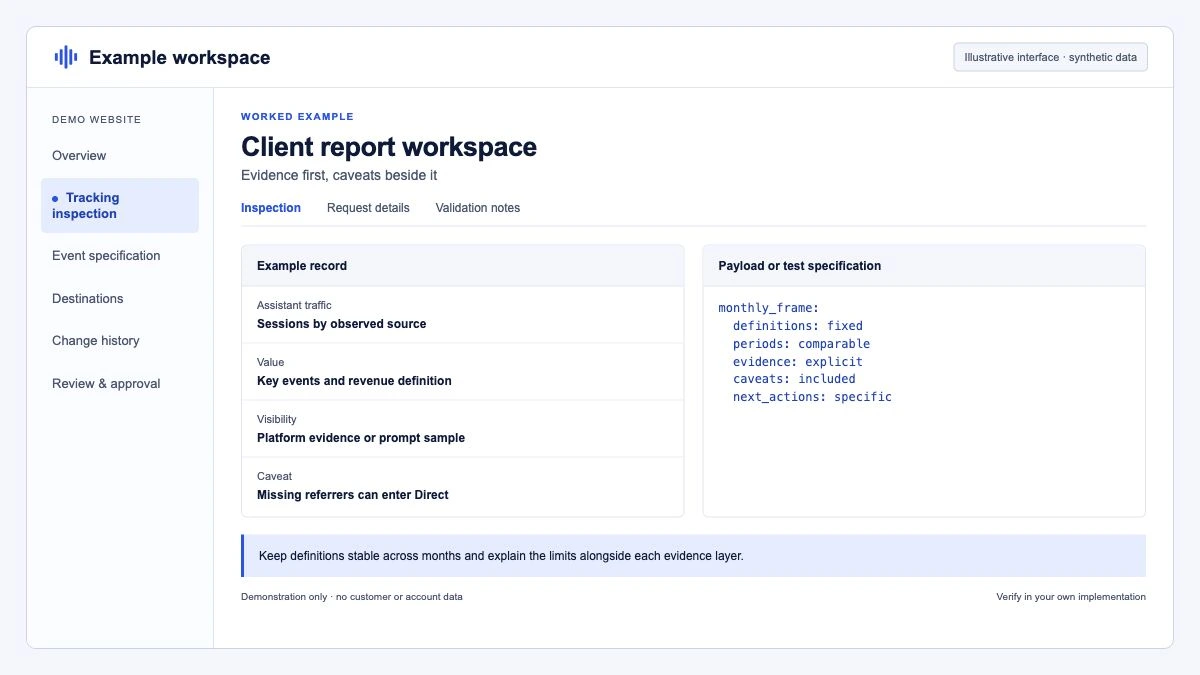
AI assistant sessions count visits where the browser told us the visitor came from a recognised assistant. Visits from copied links and some apps arrive without that information and appear as Direct, so these figures are a minimum. Clicks from Google's AI Overviews and AI Mode are included in Organic Search; Search Console reports how often we appeared there but not how many clicks those appearances produced.
Add a line whenever a definition changes, for example when you add a new assistant to the channel group, and note the month it took effect.
How do you keep the report reliable month to month?
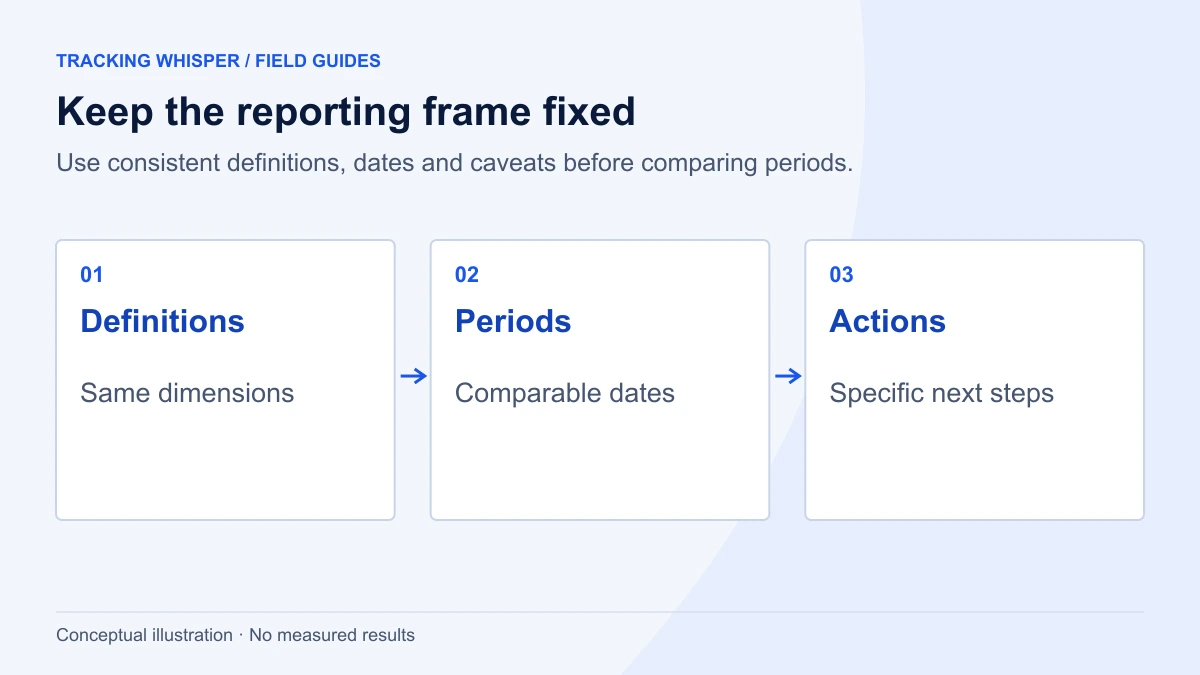
Most bad AI reports are tracking problems in disguise. Before you send each report:
- Check the channel group still contains the agreed rules. Google notes that edits to a custom channel group apply immediately to reports, explorations and segments.
- Check tracking health on the top AI landing pages: is the GA4 tag firing, with consent handled as expected? A page that loses its tag shows as a sudden drop in AI sessions.
- Check source names for new assistants appearing under Referral, and decide whether to add them.
- Check Search Console access, so a lost permission or property change does not show up as zero AI impressions.
Key takeaways
- Keep three data types apart: AI visits (GA4), AI impressions (Search Console) and AI citations (Bing or a prompt panel).
- Use a custom channel group with the same rules in every client property; it gives stable definitions and works retroactively.
- Compare AI assistant visits with Organic Search on rates, not volumes.
- State the limits in a fixed caveats box: Direct absorbs referrer-less visits, and AI Overview clicks sit inside Organic Search.
- End every report with two or three actions, each with an owner.
Tracking Whisper can produce the GA4, Search Console and BigQuery parts of this report through its analysis and GA4 integration, and its monitoring flags a landing page whose tracking stops before the monthly numbers go out.
Frequently asked questions
What should an AI traffic report for clients include?
At minimum: sessions from AI assistants in GA4 with engagement and key events, the landing pages they reach, AI impressions from Search Console's generative AI report, and a short caveats section. Add Bing Webmaster Tools citations if the client has Bing traffic, and prompt-panel citation share if you run one.
Why does AI traffic look so small in client reports?
GA4 only classifies a session as AI Assistant when the browser passes a referrer from a recognised assistant, so copied links and app clicks without a referrer fall into Direct. Clicks from Google's AI Overviews and AI Mode are counted as Organic Search. The AI Assistant figure is therefore a floor, and the report should say so.
Should I compare AI traffic with organic search traffic?
Yes, but on rates rather than volumes. Engagement rate, key event rate and revenue per session for AI Assistant sessions next to Organic Search on the same landing pages tells the client whether AI visitors behave differently. Comparing raw session counts mostly shows that AI is smaller.
Can I show clicks from AI Overviews to a client?
Not separately. Search Console's generative AI report shows impressions only, and AI Overview and AI Mode clicks are included in the standard Performance report's Web search type together with other organic clicks. Report AI impressions and total organic clicks side by side, and label them clearly.
How often should agencies report AI traffic?
Monthly works for most clients. AI assistant sessions are usually small enough that weekly figures swing on a handful of visits, while a quarterly report is too slow to catch a tracking problem or a page that suddenly gains or loses AI visibility.
Sources
- What's new in Google Analytics, Analytics Help
- [GA4] Default channel group, Analytics Help
- Custom channel groups, Analytics Help
- [GA4] Engagement rate and bounce rate, Analytics Help
- Generative AI performance report (Search), Search Console Help
- Introducing Search Generative AI performance reports in Search Console, Google Search Central Blog
- New AI Visibility Insights in Bing Webmaster Tools: Intents, Topics, Citation Share, Compare, Bing Blogs
- Publishers and Developers FAQ, OpenAI Help Center
Dimitris builds Tracking Whisper and writes about tracking, analytics and data from the work the agent does every day: GTM containers, GA4 properties, ad platforms and the numbers in between.