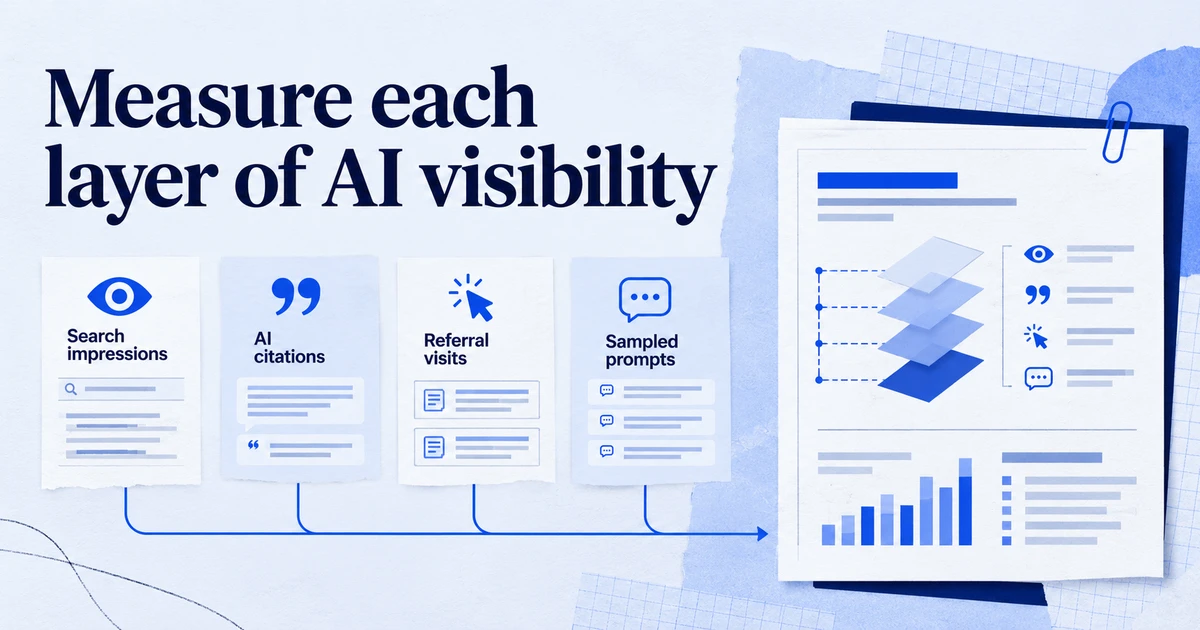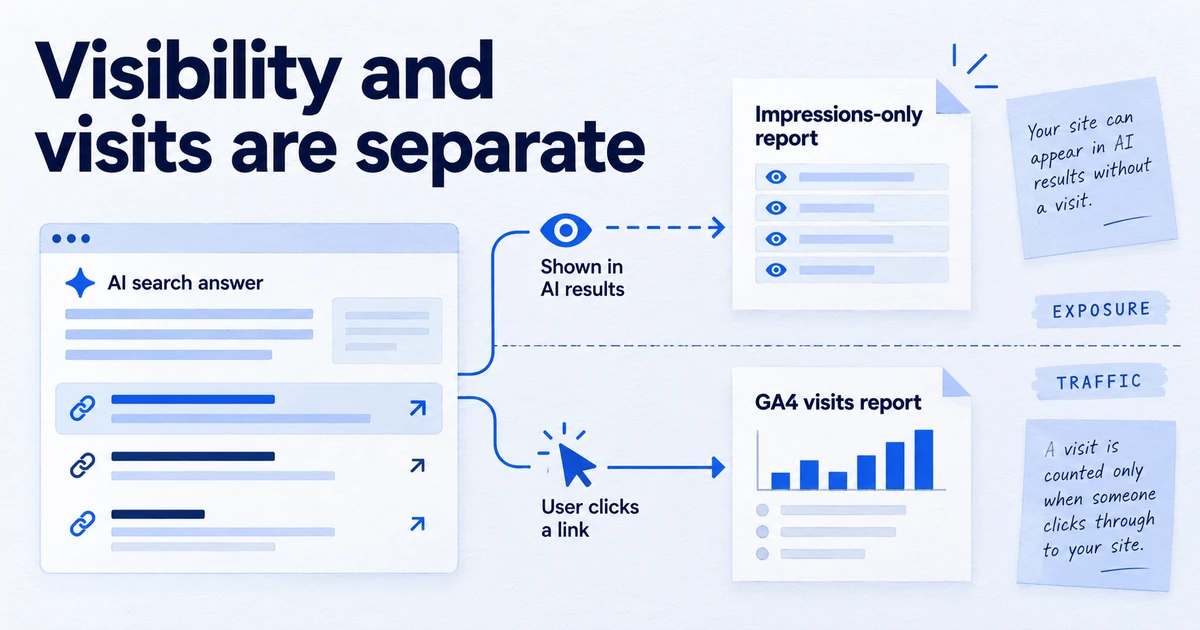
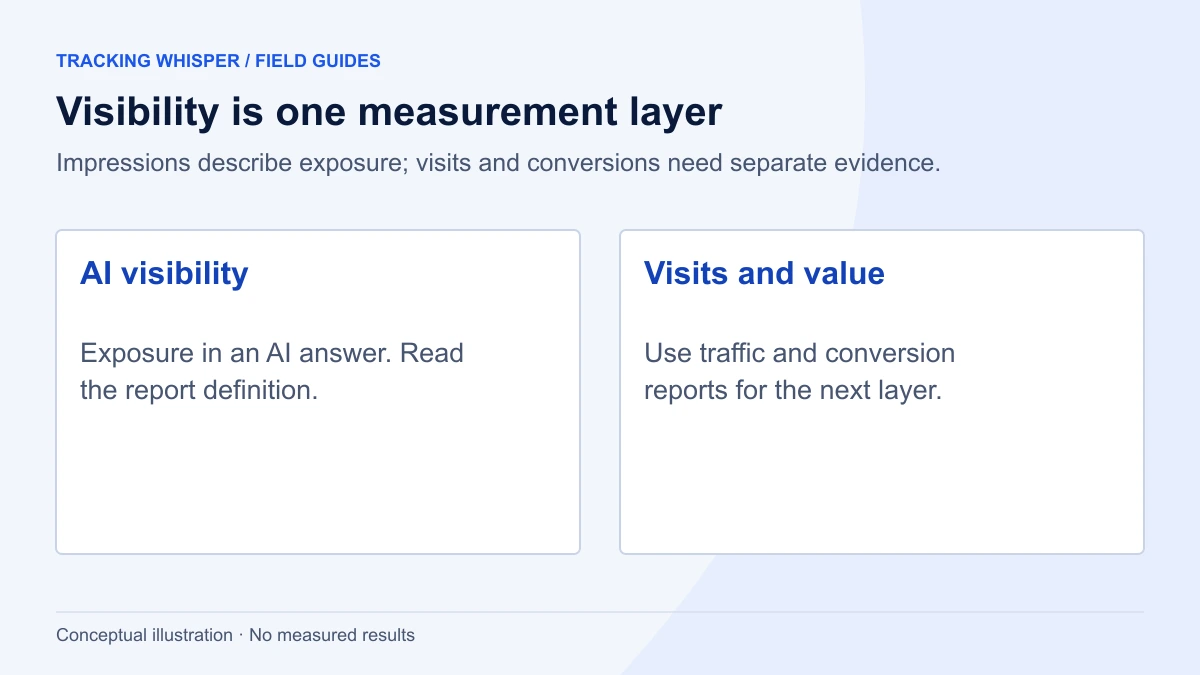
Search Console's generative AI performance reports, launched on 3 June 2026 and rolled out to all sites worldwide by 31 August 2026, show how often links to your pages appeared in AI Overviews and AI Mode, and in generative AI features in Discover. They report impressions by page, country, device (Search only) and date, but no clicks, CTR, position or queries, so you pair them with the standard Performance report and GA4 to see what the visibility is worth.
Until this year, AI Overviews and AI Mode were folded into Search Console's ordinary Performance report, with no way to separate them. In June 2026 Google added dedicated generative AI performance reports for Search and for Discover. They answer one question well, how often your pages were shown in AI features, and leave several others open. This guide explains what the reports contain, how the numbers are counted, and how to turn them into reporting a client or a board can rely on.
What did Google launch, and when?
Google announced the Search Generative AI performance reports on the Search Central blog on 3 June 2026. There are two reports:
- Generative AI (Search) covers AI Overviews and AI Mode on Google Search.
- Generative AI (Discover) covers generative AI features in Discover.
The rollout started with a subset of sites. Google has since stated that, as of 31 August 2026, the insights are available to all websites worldwide. If a property still shows nothing, the help page gives the most likely reason: the site needs enough impressions in generative AI features before the report becomes visible.
Alongside the reports, Google rolled out a Search generative AI control to all sites by the same date. More on that below, because opting out changes what the report can show.
What does the generative AI report measure?
Impressions. The Search report counts how many times links to your site were shown to a user in a generative AI feature on Google Search. You can break impressions down by:
| Dimension | Search report | Discover report |
|---|---|---|
| Pages | Yes | Yes |
| Countries | Yes | Yes |
| Devices | Yes | No |
| Dates | Yes | Yes |
Google's announcement describes date views at hourly, daily, weekly and monthly granularity. Both reports have an export button for the chart and table, and values shown as ~ or - in the interface become zeros in the download. Remember that when you sum an export.
The Search report includes both AI Overviews and AI Mode. Google's help page lists them together and does not describe a separate figure for each, so treat the total as a combined number.
What does it not measure?
The gaps are as important as the data:
- No clicks. The generative AI reports do not include clicks, so you cannot calculate a click-through rate for AI features from them.
- No position. There is no average position column.
- No queries. You see which pages appeared, not which searches triggered them.
- No other assistants. ChatGPT, Gemini as a standalone app, Claude and Perplexity are outside Search Console entirely. Their referrals show up in GA4, which we cover in GA4's AI Assistant channel.
Clicks from AI Overviews and AI Mode are not lost. They have always been part of the standard Performance report, inside the Web search type. Google's "AI features and your website" documentation says so directly. The problem is that they are blended with every other organic click, so you cannot isolate them.
How are impressions counted in AI Overviews and AI Mode?
Search Console applies its usual rules with a few specifics, documented in "What are impressions, position, and clicks?" and the report's help page:
- An AI Overview occupies a single position on the results page. Every link inside it gets that same position in the standard Performance report.
- If two results from your site appear in the same generative AI feature, they count as a single impression in the chart total.
- In AI Mode, clicking a link to an external page counts as a click, and standard impression rules apply.
- A follow-up question in AI Mode is treated as a new query. Impressions and clicks in the new response belong to that new query.
- In the Discover report, a link must be scrolled into view to count, and only one impression is recorded per result per session.
Point 2 matters for page-level analysis. The chart total can be lower than the sum of the page rows, because the total deduplicates by site while each page row counts that page. This is the same logic as the standard Performance report, and it catches people out when they reconcile exports.
How do you read the report without overreading it?
Start with three questions, in this order.
Is AI visibility growing or shrinking? Use the date view at weekly granularity and compare against total Web impressions for the same weeks from the standard Performance report. A rise in AI impressions while total Web impressions are flat tells you a larger share of your visibility now sits inside AI features.
Which pages carry it? Sort the Pages table by impressions. In most sites a short list of informational pages accounts for most AI appearances. Those are the pages where the answer on Google may satisfy the user before they click.
Where is it happening? Check countries and devices. Google has not launched AI features in every country and language at the same time, so a country breakdown can explain a jump better than any content change.
Do not compare AI impressions to clicks from the same page and call it a CTR. The clicks you see in the standard report include ordinary blue-link clicks, so that ratio measures nothing specific.
How do you estimate AI exposure per page?
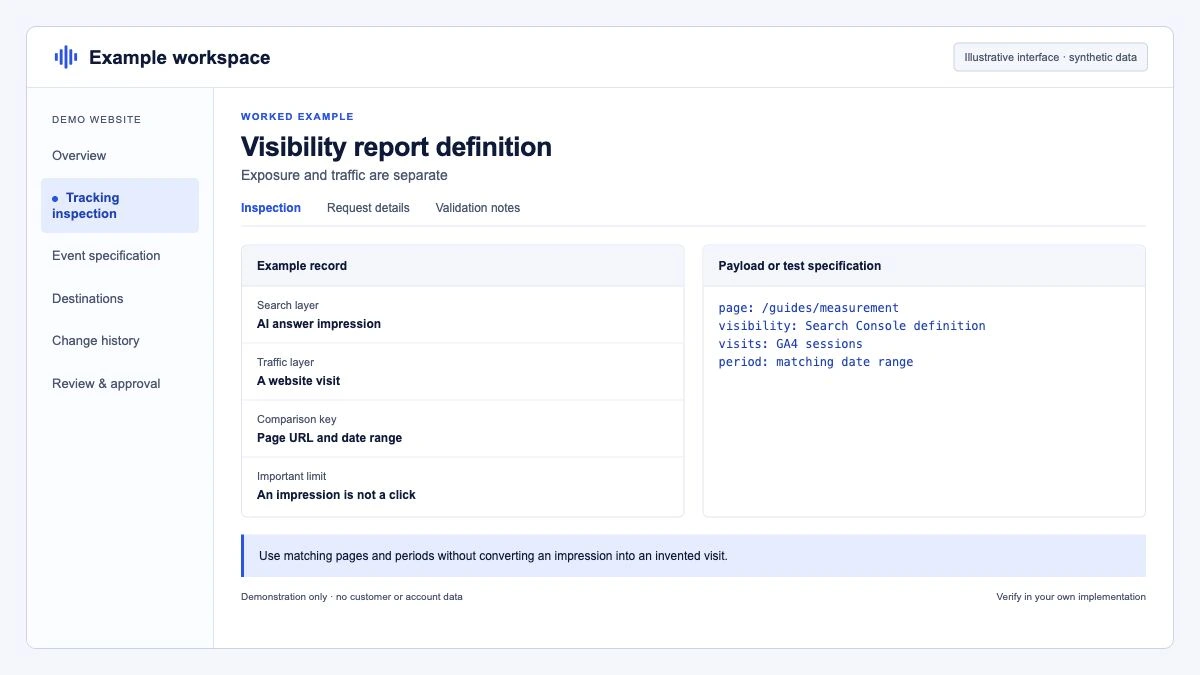
A ratio you can defend is the AI impression share per page: generative AI impressions divided by total Web impressions for the same page and period. Both numbers come from Search Console, the AI figures are included in the Web total, and the result shows how much of a page's visibility now happens inside AI features. Treat it as an indicator, not an exact share, because the two reports aggregate slightly differently.
Export both tables for the same date range, then join them. A short Python script does it:
import pandas as pd

# Exports from Search Console for the same date range.
# Rename the columns below to match the headers in your files.
web = pd.read_csv("performance_pages.csv")      # standard Performance report, Web, Pages tab
genai = pd.read_csv("generative_ai_pages.csv")  # Generative AI (Search) report, Pages tab

web = web.rename(columns={"Top pages": "page", "Impressions": "web_impressions", "Clicks": "web_clicks"})
genai = genai.rename(columns={"Top pages": "page", "Impressions": "ai_impressions"})

df = web.merge(genai[["page", "ai_impressions"]], on="page", how="left")
df["ai_impressions"] = df["ai_impressions"].fillna(0)
df["ai_share"] = (df["ai_impressions"] / df["web_impressions"]).round(3)

top = df[df["web_impressions"] >= 1000].sort_values("ai_share", ascending=False)
print(top[["page", "web_impressions", "ai_impressions", "ai_share", "web_clicks"]].head(25).to_string(index=False))
Pages with a high AI share and falling organic clicks are the ones to look at first. The cause may be a good AI answer that removes the need to click, or a competitor cited instead of you. The report cannot tell you which, so read the live results for the page's main queries before drawing conclusions.
How do you connect it to GA4?
GA4 classifies clicks from AI Overviews and AI Mode as Organic Search. Google's Default Channel Group documentation states this explicitly, and the new AI Assistant channel excludes them. So the chain for a Google AI surface is:
- Search Console's generative AI report: how often your pages were shown.
- Search Console's standard Performance report: organic clicks, AI and non-AI together.
- GA4 Organic Search: what those sessions did on the site, again AI and non-AI together.
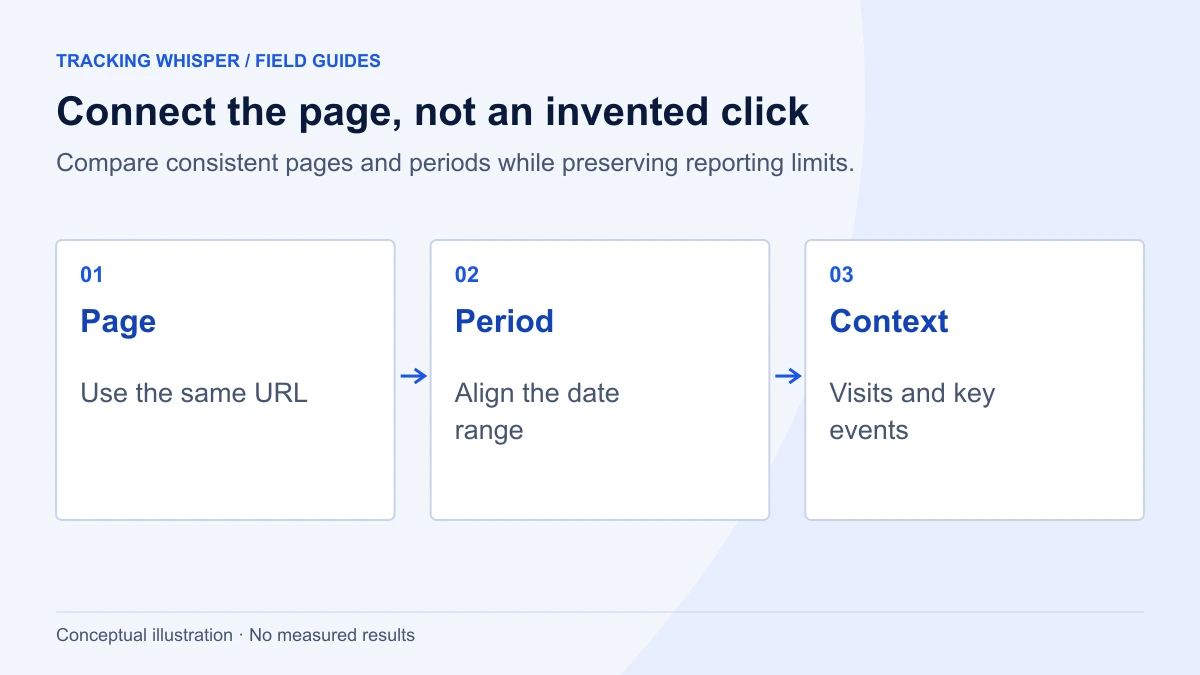
For landing pages with a high AI impression share, compare engagement rate and key events in GA4 before and after the AI share rose. It is not a clean test, but it is the most honest view available until Google reports AI clicks separately. If you want a direct, structured measurement of whether AI answers cite you, that sits outside Search Console; see GEO vs SEO: measuring citation share and AI visibility.
What does the Search generative AI control change?
The control lives under Settings > Search generative AI in Search Console. By default, your content can appear in and help ground responses in AI Overviews, AI Mode and AI features in Discover. If you switch it off:
- Google says exclusion generally takes a few days, and some content can take longer because of caching.
- Your site will not receive impressions or traffic from those generative AI features, so the generative AI report will trend to zero.
- Google states the control is not used as a ranking signal for results outside generative AI features.
Before anyone changes it, record the current generative AI impressions and organic clicks for your top pages. That baseline is the only way to judge afterwards whether the decision cost or saved traffic. Restrict who can change property settings: Owners have full control in Search Console, so keep that role to the people accountable for the decision.
Key takeaways
- Search Console's generative AI reports launched on 3 June 2026 and reached all sites worldwide by 31 August 2026, with separate reports for Search and Discover.
- They show impressions by page, country, device (Search only) and date, with no clicks, CTR, position or queries.
- AI Overviews and AI Mode clicks remain inside the standard Performance report's Web search type, and in GA4 they count as Organic Search.
- An AI impression share per page, AI impressions over Web impressions, is a defensible indicator of how much visibility has moved into AI features.
- The Search generative AI control opts a property out of these features; take a baseline before anyone touches it.
Tracking Whisper reads Search Console and GA4 side by side through its Search Console integration, so the page-level comparison above can sit in the same report as your organic sessions, and its monitoring alerts you if tracking on those landing pages stops, so a drop in sessions is not mistaken for a drop in visibility.
Frequently asked questions
Does the Search Console generative AI report show clicks from AI Overviews?
No. The generative AI reports show impressions only, by page, country, device and date. Clicks from AI Overviews and AI Mode are counted in the standard Performance report under the Web search type, mixed in with all other organic clicks.
Why don't I see the generative AI report in my Search Console property?
Google rolled the report out gradually from June 2026 and says it reached all websites worldwide by 31 August 2026. If you still do not see it, Google's help page explains that a site needs enough impressions in generative AI features before the report becomes visible.
Are AI Overview impressions double counted in Search Console?
They appear in two places by design. The standard Performance report has always included AI Overviews and AI Mode within the Web search type, and the generative AI report shows the same impressions as a dedicated view. Do not add the two numbers together.
How is an AI Mode follow-up question counted?
Google treats a follow-up question in AI Mode as a new query. Impressions, position and clicks in the new response are attributed to that new query, not to the original one.
Can I stop my site from appearing in AI Overviews and AI Mode?
Yes. Search Console has a Search generative AI control under Settings that lets a property opt out of generative AI Search features, rolled out to all sites by 31 August 2026. Google says exclusion generally takes a few days, and that the setting is not used as a ranking signal outside those features.
Sources
- Introducing Search Generative AI performance reports in Search Console, Google Search Central Blog
- Generative AI performance report (Search), Search Console Help
- Generative AI performance report (Discover), Search Console Help
- What are impressions, position, and clicks?, Search Console Help
- AI features and your website, Google Search Central
- Search generative AI control, Search Console Help
- New opportunities, control and insights for website owners, The Keyword (Google)
Dimitris builds Tracking Whisper and writes about tracking, analytics and data from the work the agent does every day: GTM containers, GA4 properties, ad platforms and the numbers in between.