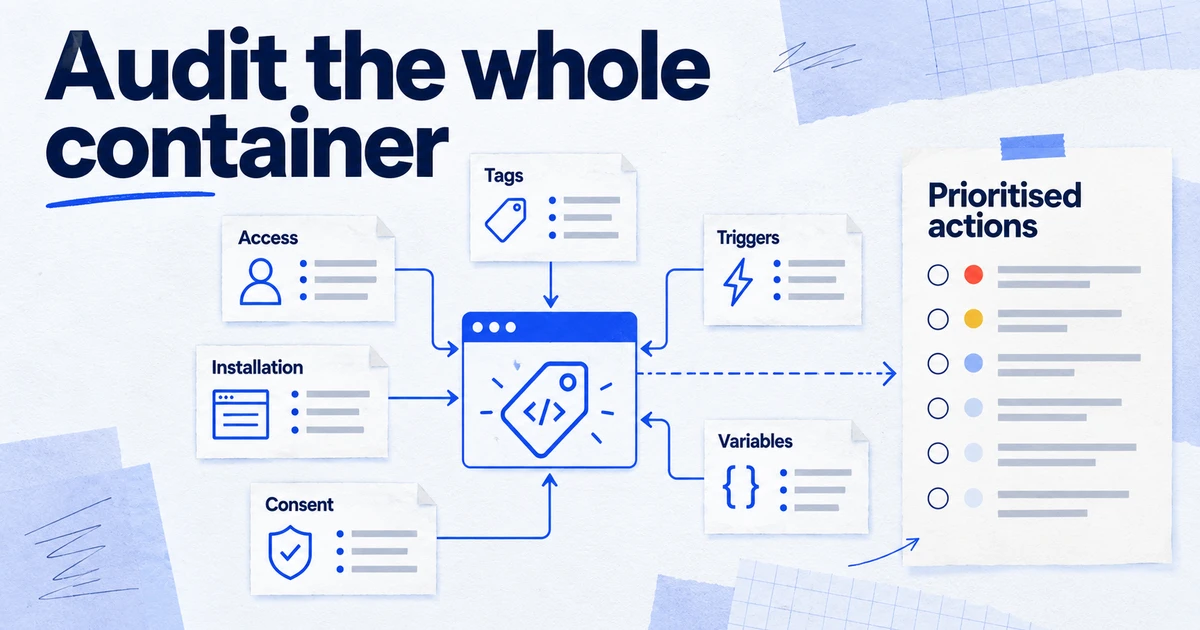
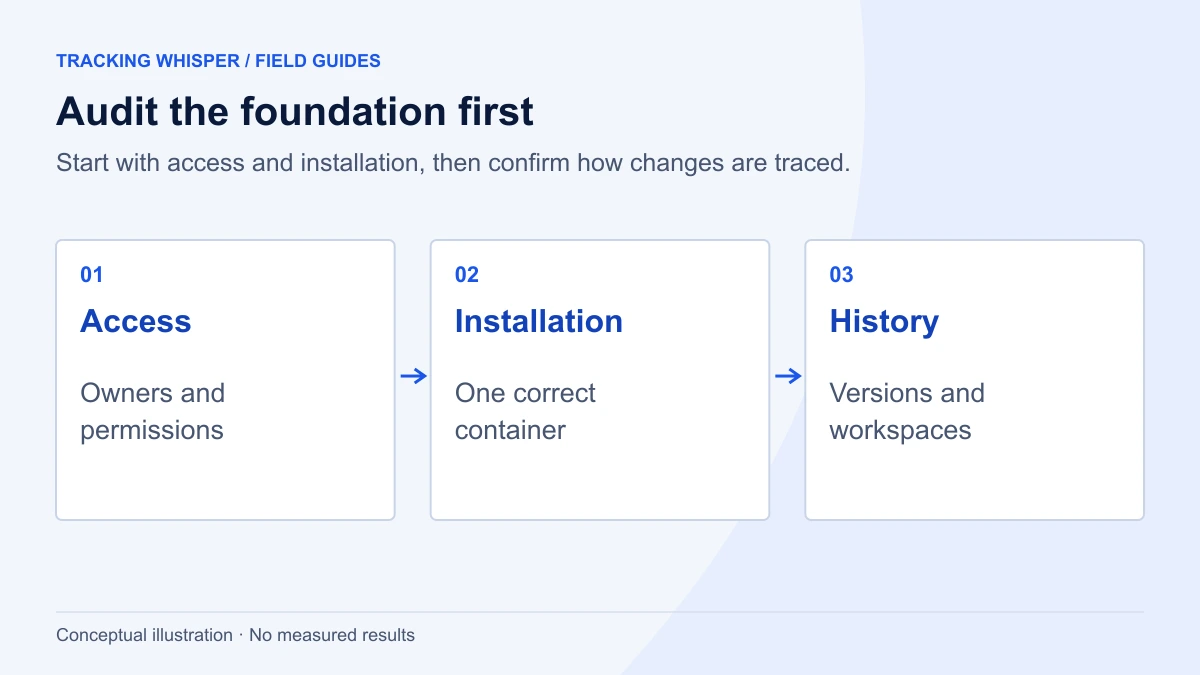
A useful GTM audit checks eight areas in order: who has access, how the container is installed, versions and workspaces, tags, triggers, variables, consent settings, and size and security. The 40 checks below can be run in about half a day from a container export plus Preview mode, and each one has a clear pass or fail. In 2026, also check how the container is loaded, because since 9 July 2026 a container loaded with a G- or AW- ID only runs Google-provided tags and variables.
A Google Tag Manager container collects years of decisions made by different people, often across several agencies. Many containers still work but carry paused tags nobody remembers, Custom HTML with no owner, consent settings left on "not set" and users who left long ago. This checklist turns an audit into 40 checks with a clear pass or fail, grouped in the order you should run them.
What do you need before you start?
Three things make the audit faster and keep it honest:
- Read access or better to the container. Read is enough to browse; ask for Edit if you want your own workspace for testing. You do not need Publish.
- A JSON export of the live version (Admin, Export Container, choose the published version). If you cannot see the option, ask an administrator for the file. This is your record of the state you audited.
- A list of the events that matter: purchase, lead, sign-up, and whatever the business reports on. Every tag either serves one of these or has to justify its place.
With the export, a few lines of jq give you an inventory in seconds:
# Count tags by type (html = Custom HTML, googtag = Google tag, gaawe = GA4 event, ua = Universal Analytics)
jq -r '.containerVersion.tag[].type' container.json | sort | uniq -c | sort -rn

# List paused tags
jq -r '.containerVersion.tag[] | select(.paused == true) | .name' container.json

# List tags that have no firing trigger
jq -r '.containerVersion.tag[] | select((.firingTriggerId // []) | length == 0) | .name' container.json
Access and governance: who can change what?
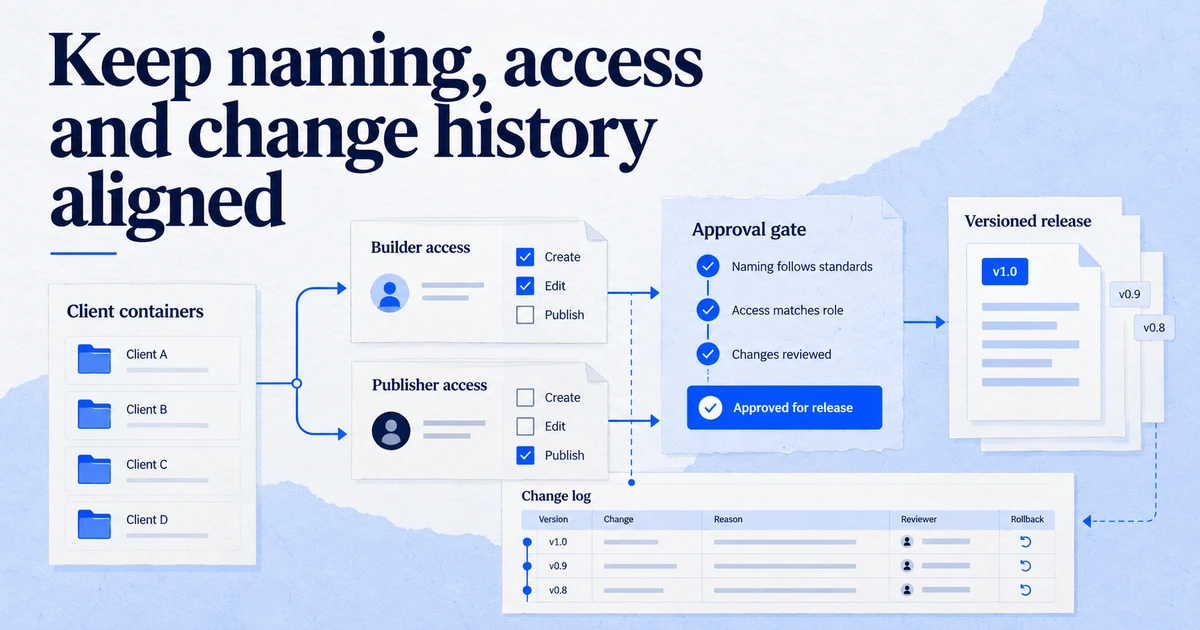
Tag Manager has account permissions (Administrator or User) and container permissions: No access, Read, Edit, Approve and Publish. Publish is full control over what runs on the site, so treat it like production deploy rights.
- 1. Account administrators are named people. No shared mailboxes, no former staff, no "agency@" addresses nobody monitors.
- 2. Publish is limited to two or three people. Everyone else gets Edit or Approve. Approve lets someone create versions without publishing them.
- 3. Former agencies and freelancers are removed. Check both account and container level.
- 4. 2-step verification is required. Under Admin, Account Settings, select "Require 2-step login verification for certain operations". Tag Manager then checks for 2-step verification before users can change Custom JavaScript variables, Custom HTML tags and user settings.
- 5. Every container has an owner on the client side. Someone who can grant access in a year's time, when today's contacts have moved on.
- 6. Environments are understood. If staging or development environments exist, confirm their snippets are only on non-production sites.
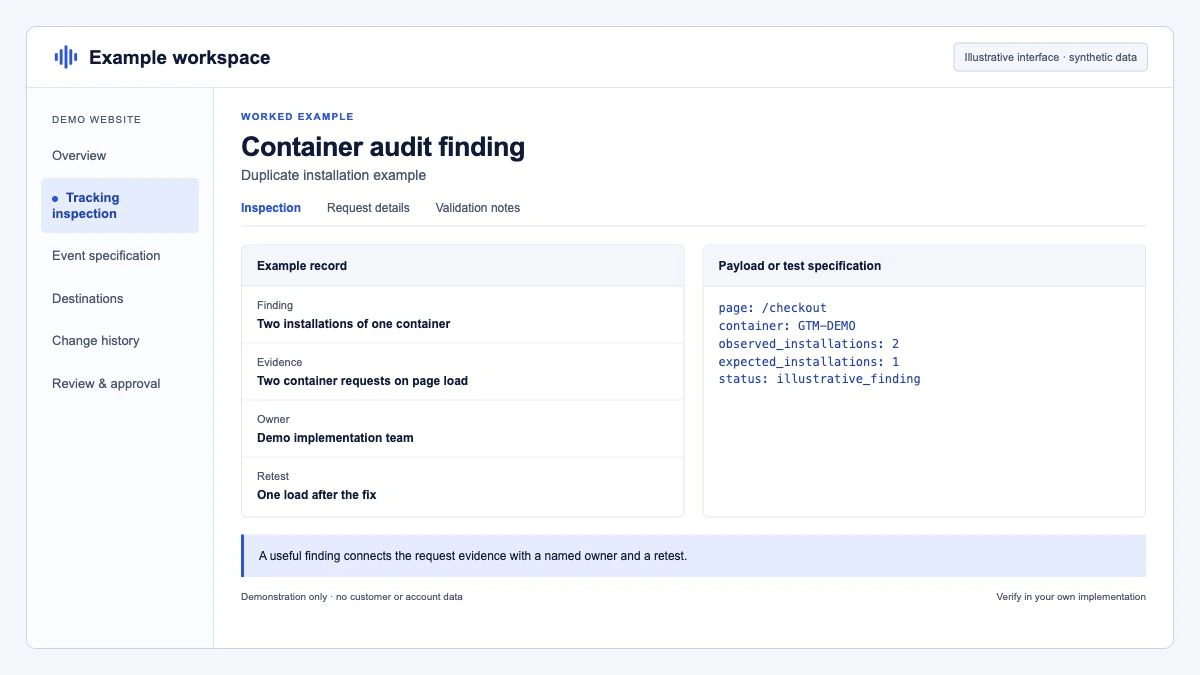
Installation: is the container loaded once, correctly?
- 7. The snippet sits high in the
<head>. Tag Diagnostics flags "Tag found too low on page", which delays triggers and can miss session data. - 8. Each container loads once per page. Duplicate snippets, often one hardcoded and one injected by a plugin, double every hit.
- 9. No parallel gtag.js sends the same events. A hardcoded Google tag next to a GTM-deployed one is a common source of duplicate page views and purchases.
- 10. The container is loaded with its GTM- ID. Since 9 July 2026, the ID used to load a container controls its behaviour on unsupported installation paths such as
/gtag/js: GTM- IDs are unrestricted, while G- or AW- IDs only permit Google-provided tags and variables. If someone loads your GTM container through a product ID, your Custom HTML and community templates will not run. - 11. Tag quality is not "Urgent". Open the Google tag in GTM, Configuration, and click View issues next to Tag quality. Urgent means a critical issue, such as the tag not being detected for 48 hours.
- 12. Tag coverage has no untagged pages. The tag coverage summary lists pages where the tag was not found.
A quick console check on any page shows which containers and Google tags loaded:
// Run in the browser console on the live site
Object.keys(window.google_tag_manager || {}).filter(function (k) {
  return /^(GTM|G|AW|DC)-/.test(k);
});
More than one GTM- ID where you expect one is a finding. So is an unexpected G- ID that points to a property nobody recognises.
Versions and workspaces: can you trace what changed?
- 13. Every version has a name and a note. "Version 212" with no description makes rollback guesswork. Since 17 September 2026 the submit page suggests an AI-generated version summary; read it before accepting it.
- 14. The live version is the latest version, or the difference is known. Unpublished versions often hold half-finished work.
- 15. No stale workspaces. Standard containers allow three concurrent workspaces (the Default Workspace plus two). Old workspaces block new work and confuse whoever publishes next.
- 16. The last publish date is plausible. A container not published for two years on a site that redesigned last spring is suspect.
- 17. Container import history is known. Imported containers often bring in tags from another site.
Tags: does every tag earn its place?
- 18. No Universal Analytics tags remain. UA stopped processing data and access ended from 1 July 2024. Remaining UA tags are dead weight.
- 19. Paused tags are either restored or deleted. A paused tag with no note is a decision nobody wants to own.
- 20. Every tag has at least one firing trigger. Tags without triggers never fire and only add size.
- 21. Each GA4 event fires once per action. Check purchase and lead events in Preview: one event per action, not one per tag configuration. See duplicate purchase events in GA4.
- 22. One Google tag per destination ID. Two Google tags with the same tag ID load configuration twice.
- 23. Custom HTML has an owner and a reason. Each Custom HTML tag should have a note: who added it, why, and whether a template now exists.
- 24. Vendor tags have a live contract. Pixels for tools the business no longer pays for still collect data and still need consent.
- 25. Naming is consistent. A pattern such as
GA4 - event - purchaseorMeta - event - Leadmakes the tag list searchable. - 26. Tag sequencing and firing priority are deliberate. Setup tags and priorities should solve a documented dependency, not a guess.
Triggers: do they fire on the right thing?
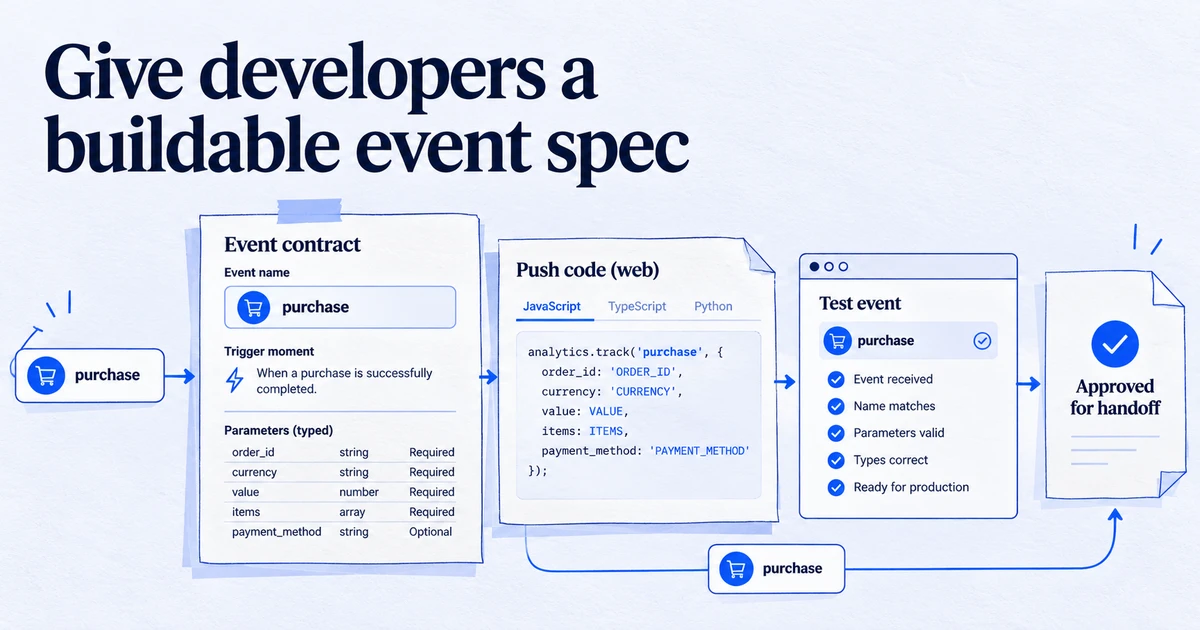
- 27. Conversion triggers do not rely on fragile CSS selectors. Click classes change with every redesign; a dataLayer event from the developer does not. A dataLayer specification fixes this at the source.
- 28. Thank-you page triggers have a guard. Page view triggers on
/thank-youfire again on reload. Prefer a custom event pushed once by the site. - 29. Consent Initialization is used only for consent. The Consent Initialization - All Pages trigger fires before all others; it should carry the CMP and consent default, not marketing tags.
- 30. No unused triggers. Delete triggers no tag references.
- 31. Exceptions are documented. Blocking triggers often encode business rules (internal traffic, test orders). Note them so they survive the next rebuild.
Variables: are values clean and predictable?
- 32. No unused variables. They add size and confuse editors.
- 33. Custom JavaScript variables have no side effects. A variable can be evaluated many times per event; it must return a value, not push to the dataLayer or set cookies.
- 34. Lookup and RegEx tables have a default. Without one, unmatched values become
undefinedin reports. - 35. Measurement IDs live in one Constant variable. One place to change the GA4 or Ads ID, not twelve tags.
Consent and privacy: do tags respect the user's choice?
- 36. Consent Overview is enabled and empty in "Not Configured". Enable it in Admin, Container Settings, Additional Settings. Every tag should sit under Consent Configured, with either "No additional consent required" or "Require additional consent for tag to fire".
- 37. A consent default is set before any tag fires. In Preview, the first consent command should be a default, then an update after the user chooses. For EU traffic this includes
ad_user_dataandad_personalization. See the Consent Mode v2 checklist and the glossary entry. - 38. No personal data in URLs or event parameters. Check page_location for emails and phone numbers from form redirects.
Size and security: is the container safe to load?
- 39. Container size is under 70 percent. Google's help gives 200 KB as the maximum container size and advises optimising above 70 percent on the Versions page indicator.
- 40. Code execution is restricted where it matters. On sensitive sites, developers can set
gtm.allowlistandgtm.blocklistin the dataLayer, which override container configuration, with blocklists taking precedence. Google now recommends custom templates and template policies as the more secure route. Also review the permissions of every community template.
How do you score and report the audit?
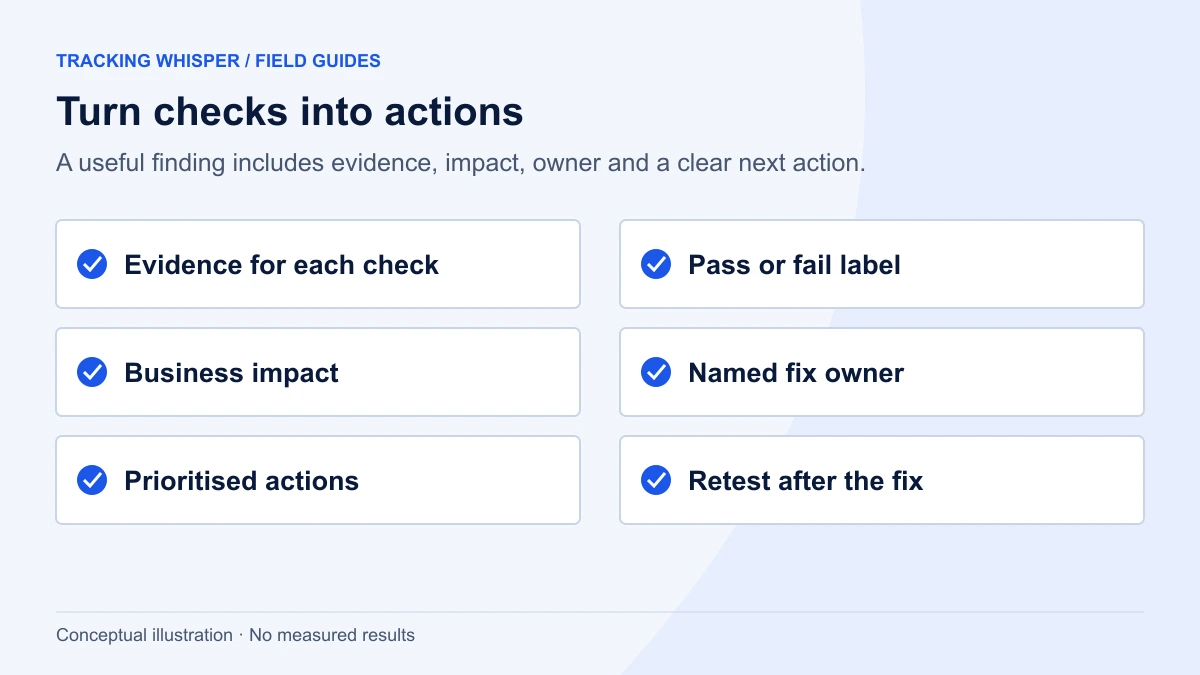
A simple severity scale keeps the report short and actionable:
| Severity | Meaning | Typical checks |
|---|---|---|
| Critical | Data is wrong or consent is not respected today | 8, 9, 10, 21, 36, 37, 38 |
| High | Risk of breakage or unauthorised change | 1, 2, 3, 4, 11, 27, 28 |
| Medium | Slows work or hides problems | 13, 14, 15, 19, 23, 39 |
| Low | Hygiene | 20, 25, 30, 32, 35 |
Fix criticals in a dedicated workspace, test in Preview and Tag Assistant, publish with a named version, then re-run the critical checks. Record the audit export and the post-fix export side by side so the next auditor can see what changed.
Also note what the audit cannot show. Since 20 August 2026 Google has been rolling out changes that upgrade Google tags to full GTM containers with per-destination tags; if your account has the new Settings tab, check that container-wide settings match what you expect. We cover this in Google tag and GTM are merging.
Key takeaways
- Start with access: named administrators, few publishers, 2-step verification, no former agencies.
- Confirm the container loads once, high in the head, with its GTM- ID; since 9 July 2026 a G- or AW- load restricts it to Google-provided tags.
- Delete Universal Analytics tags, unused triggers and variables, and explain or remove every paused tag and Custom HTML tag.
- Enable Consent Overview and leave nothing in "Consent Not Configured".
- Keep container size under 70 percent of the 200 KB limit and restrict code execution on sensitive sites.
- Record the audited export and the fixed export so changes stay traceable.
Tracking Whisper runs these checks against a GTM container, builds fixes in its own workspace and publishes only after a person approves, which keeps an audit trail of each change. The GTM audit page shows what the report covers.
Frequently asked questions
How often should I audit a Google Tag Manager container?
Run a full audit once a year and whenever a container changes hands, for example when a new agency takes over. Between full audits, a short quarterly pass over access, consent settings and unpublished workspaces catches most drift. Continuous monitoring of the key events covers the gap between audits.
What access do I need to audit a GTM container?
Read access to the container is enough to browse tags, triggers and variables. Edit access lets you create a workspace for the audit and work in Preview mode there. Publish access is not needed for an audit, and an auditor should not ask for it.
What is the maximum size of a GTM container?
Google's Tag Manager help states that the maximum container size is 200 KB. The Versions page shows a size indicator, and Google recommends optimising when it goes above 70 percent, for example by merging similar tags and deleting unused ones.
How do I find tags without consent settings in GTM?
Enable the Consent Overview under Admin, Container Settings, Additional Settings. The Consent Overview icon on the Tags list then groups tags into Consent Not Configured and Consent Configured, and you can bulk-edit consent settings for several tags at once.
Should I delete Universal Analytics tags from GTM?
Yes. Universal Analytics stopped processing data, and access ended from 1 July 2024, so any remaining UA tags only add weight and noise. Export the container first so you have a record, then delete the tags and any variables that only they used.
Sources
- Release notes, Tag Manager Help
- Managing users and permissions, Tag Manager Help
- Tag Manager and 2-step verification, Tag Manager Help
- Workspaces, Tag Manager Help
- Tag Manager consent mode support, Tag Manager Help
- Troubleshoot tag issues with Tag Diagnostics, Tag Manager Help
- How many tags can I use?, Tag Manager Help
- Restrict tag deployment, Google Tag Platform
Dimitris builds Tracking Whisper and writes about tracking, analytics and data from the work the agent does every day: GTM containers, GA4 properties, ad platforms and the numbers in between.