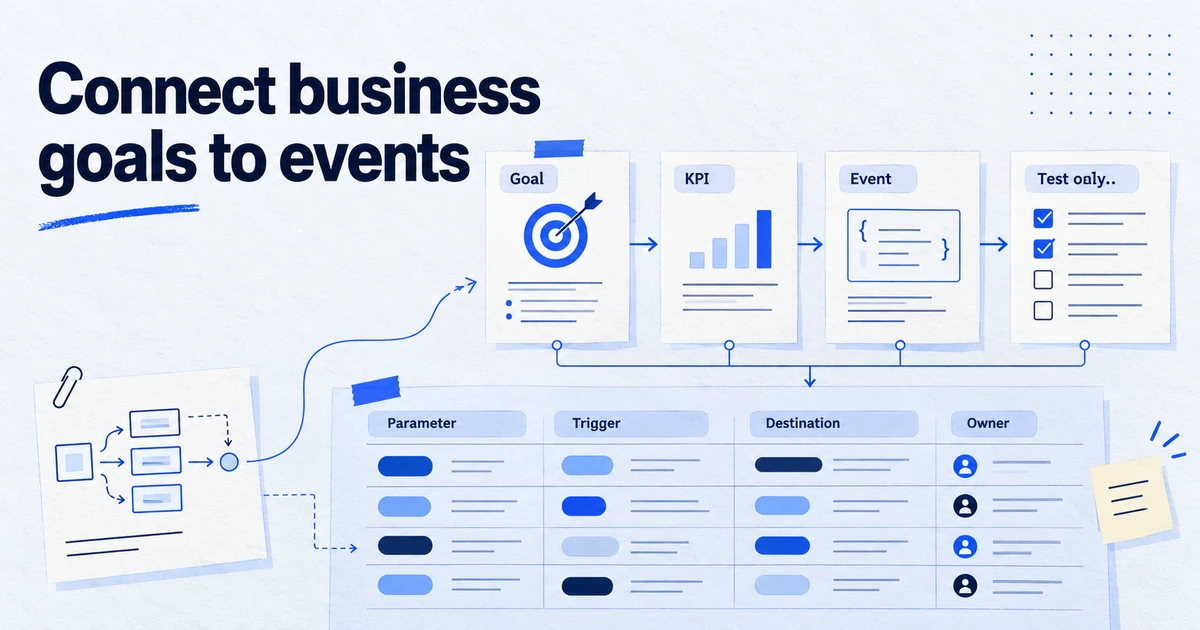
A measurement plan links business goals to KPIs, KPIs to the events that measure them, and each event to exact parameters, a trigger, destinations, consent requirements and an owner. Keep it in one shared document with two layers: a one-page summary marketers read, and an event table developers build from. Check it against GA4's limits, such as 40-character event names, 25 parameters per event and 30 key events per standard property, before anyone writes code.
Most tracking problems start before the first tag is built. A marketer asks for "conversion tracking", a developer adds a click listener to the button that looked right, and six months later nobody can say what a "lead" in GA4 actually counts. A measurement plan prevents this by writing down, in advance and in one place, what is measured, why, and exactly how. The trick is writing it so that both sides read it: marketers need the why, developers need the what.
What should a measurement plan contain?
Seven sections, in this order. The first three are for everyone; the last four are the build sheet.
- Business objectives. Two to four sentences on what the site exists to do.
- KPIs. The handful of numbers that show whether it does it, each with a definition and a target.
- Key events and conversions. Which user actions count as success, and which of them feed ad platforms.
- Event table. Every event with its trigger, parameters, destinations and owner.
- Parameters and custom definitions. A dictionary of every parameter, its type and allowed values.
- Consent and privacy. Which events and destinations need which consent, and what must never be sent.
- QA and change log. How each event is tested, and a dated record of every change.
Keep it in one shared document or spreadsheet with a named owner. A plan spread over email threads and a slide deck is not a plan.
How do you go from goals to events?
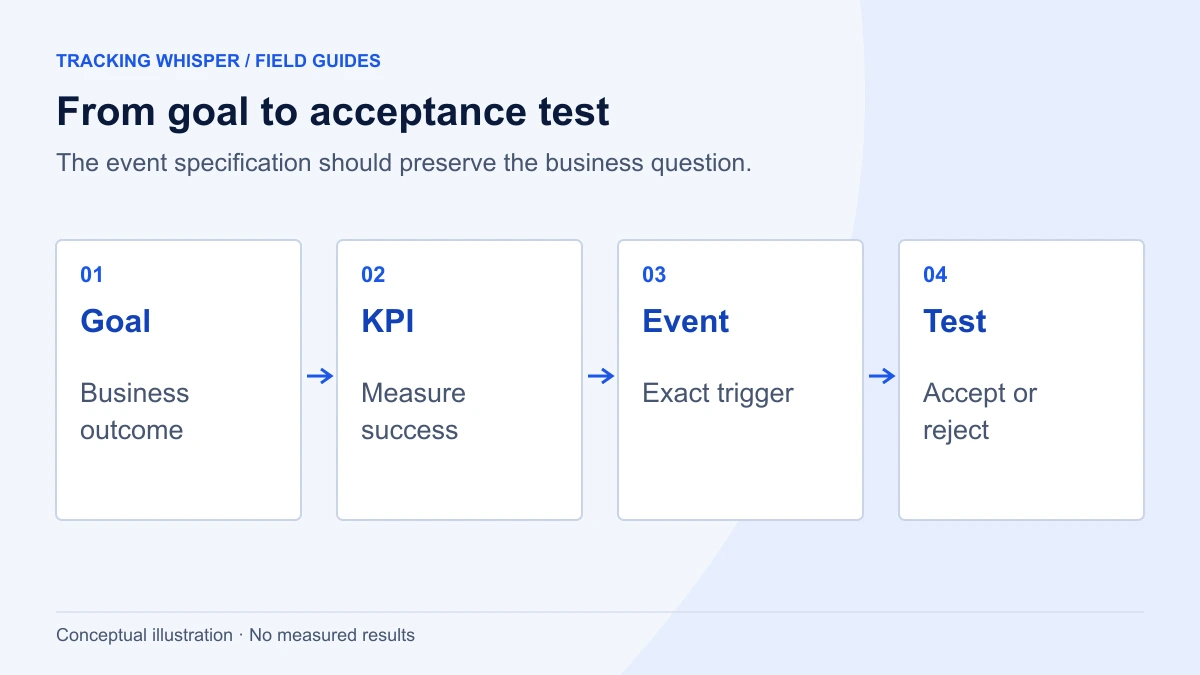
Work top-down and do not skip levels. Each level answers a different question:
| Level | Question it answers | Example (B2B software) |
|---|---|---|
| Objective | Why does the site exist? | Generate qualified sales conversations |
| KPI | How do we know it works? | Demo requests per month; cost per qualified demo |
| Key event | Which action shows progress? | generate_lead on demo form success |
| Supporting events | What explains the KPI moving? | form_start, view_pricing, sign_up |
| Parameters | What do we need to slice by? | form_id, lead_type, plan_interest |
If an event does not support a KPI or a decision someone will make, leave it out. Plans fail more often from too many events than too few: each one has to be built, tested, consented, documented and monitored.
A useful rule for the KPI section: every KPI gets a definition precise enough to compute it twice and get the same answer. "Leads" is not a definition. "Successful submissions of the demo form, deduplicated by email per day, excluding internal traffic" is.
Also name the source of truth for each KPI. Revenue usually comes from the shop or the finance system, not from GA4, and qualified leads come from the CRM. GA4 and the ad platforms then explain and optimise against those numbers rather than compete with them. Writing this down early saves the monthly argument about which dashboard is right.
What does the event table look like?
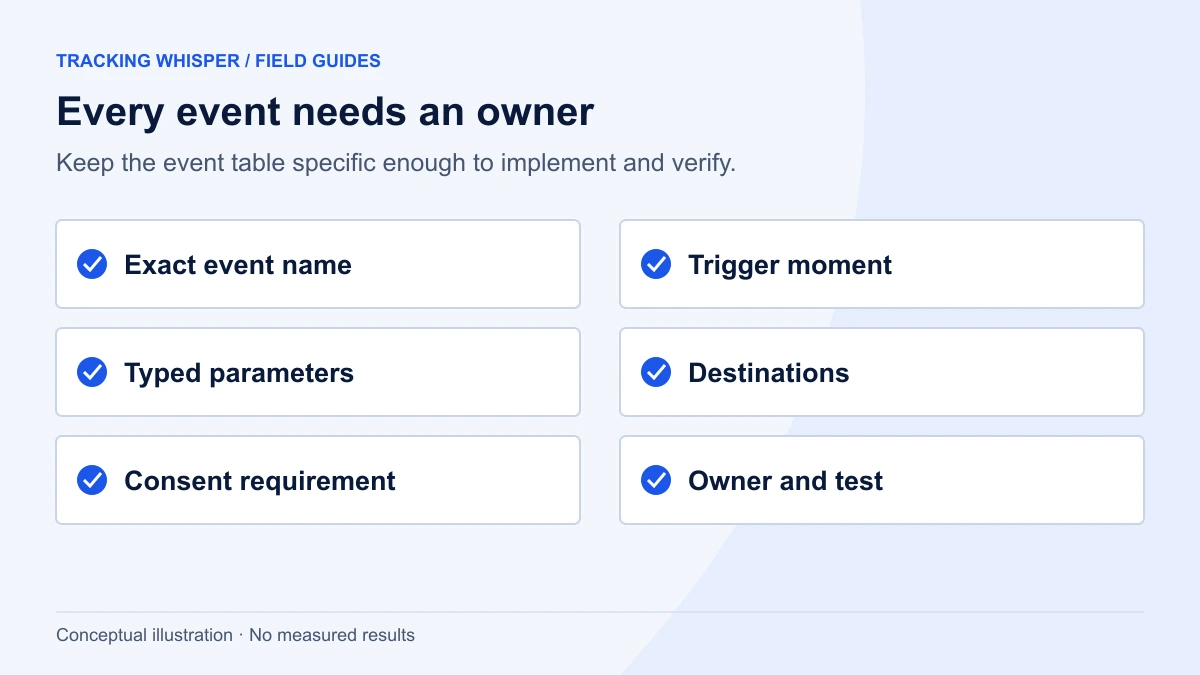
This is the part developers build from. One row per event, with no free text where a value is expected.
| Field | Example |
|---|---|
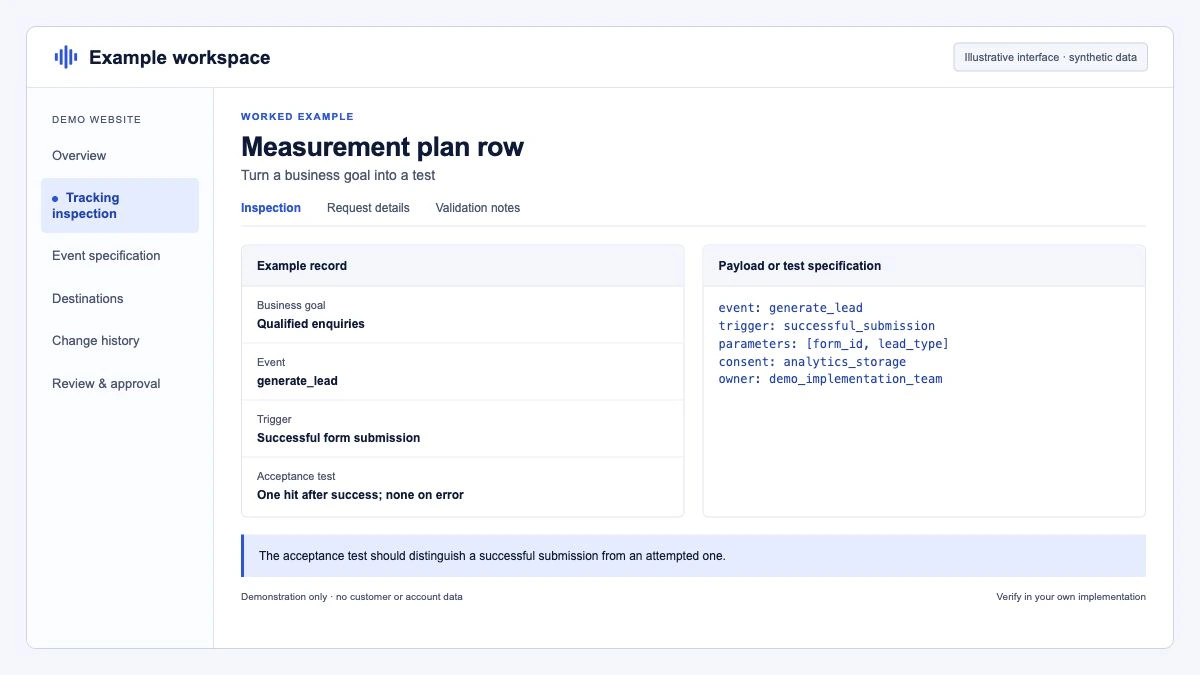
| Event name | generate_lead |
| Type | GA4 recommended event |
| Fires when | Demo form submitted and server returns success (not on button click) |
| Pages | /demo, /pricing (embedded form) |
| Parameters | value (number), currency (ISO 4217), form_id (string), lead_type (enum: demo, trial, contact) |
| Key event in GA4 | Yes |
| Destinations | GA4; Google Ads conversion "Demo request"; Meta Lead |
| Consent required | GA4: analytics_storage (consent mode); Ads: ad_storage, ad_user_data; Meta: marketing consent in CMP |
| Owner | Dev: web team. Business: demand generation lead |
| QA | Preview mode and Tag Assistant on staging; one test submission per form |
The matching dataLayer push, written into the spec so the developer has nothing to guess:
window.dataLayer = window.dataLayer || [];
window.dataLayer.push({
  event: "generate_lead",
  value: 150,
  currency: "EUR",
  form_id: "demo_request",
  lead_type: "demo"
});
generate_lead with value and currency follows GA4's recommended events; form_id and lead_type are custom parameters that need registering as custom dimensions to appear in reports. The full format for writing these, including how to hand them to developers, is in the dataLayer spec guide. For background on the dataLayer itself, see the glossary.
Which GA4 limits should the plan respect?
Check the plan against these before development starts. They are the limits that most often force a late redesign.
| Limit (standard GA4 property) | Value |
|---|---|
| Event name length | 40 characters |
| Parameter name length | 40 characters |
| Parameter value length | 100 characters (some exceptions, such as page_title at 300) |
| Parameters per event | 25 |
| Event-scoped custom dimensions | 50 |
| User-scoped custom dimensions | 25 |
| Key events per property | 30 |
| Data retention for explorations | 2 or 14 months |
Naming rules matter as much as limits. Event names are case sensitive, must start with a letter, and use only letters, numbers and underscores, so Generate_Lead and generate_lead are two different events. Parameter and user property names cannot start with an underscore, firebase_, ga_, google_ or gtag. Pick one convention (we recommend lowercase snake_case, as Google's own events use) and write it in the plan.
Data retention deserves a line of its own. A new GA4 property defaults to 2 months of retention for explorations. If the plan includes year-on-year analysis in explorations, the plan should say "set retention to 14 months" and someone should do it on day one, or plan for the BigQuery export.
Key events, conversions: which word means what?
GA4 now calls important actions key events, and reserves "conversion" for actions used to measure and optimise ad campaigns, in Google Ads and in GA4's advertising reports. The plan should use the same split, because it changes who cares:
- Key event: marked in GA4 Admin, under Data display, Events. Used for site analysis.
- Conversion: a conversion action in Google Ads (imported from GA4 or from the Google Ads tag) or a Meta standard event used for optimisation. Used for bidding.
Write down, for each key event, whether it is also a conversion and on which platforms, and which source is primary. This one column prevents most double counting later, a topic we cover in why GA4, Google Ads and Meta never agree.
How do consent and privacy fit into the plan?
Every row in the event table needs a consent column, and the plan needs a short section on what is never collected. For EU sites:
- Consent signals. Map each destination to the consent mode types it depends on:
analytics_storagefor GA4,ad_storage,ad_user_dataandad_personalizationfor Google Ads, and the CMP category for non-Google tags such as Meta. - Load order. The plan should state that consent defaults are set before any tag fires, which in GTM means the Consent Initialization - All Pages trigger.
- No personal data in parameters. Emails, phone numbers and names do not go into event parameters or URLs. If enhanced conversions are used, the plan says where hashed user data is collected and under which consent.
This section is also what you show a data protection officer, so write it in plain language.
How do you keep the plan and the implementation in sync?
A plan that does not match the live tracking is worse than none, because people trust it. Three habits keep it honest:
- QA criteria per event. For each row, write how to test it: which page, which action, what should appear in Preview mode, in Tag Assistant and in GA4 DebugView. A developer who knows the test writes code that passes it.
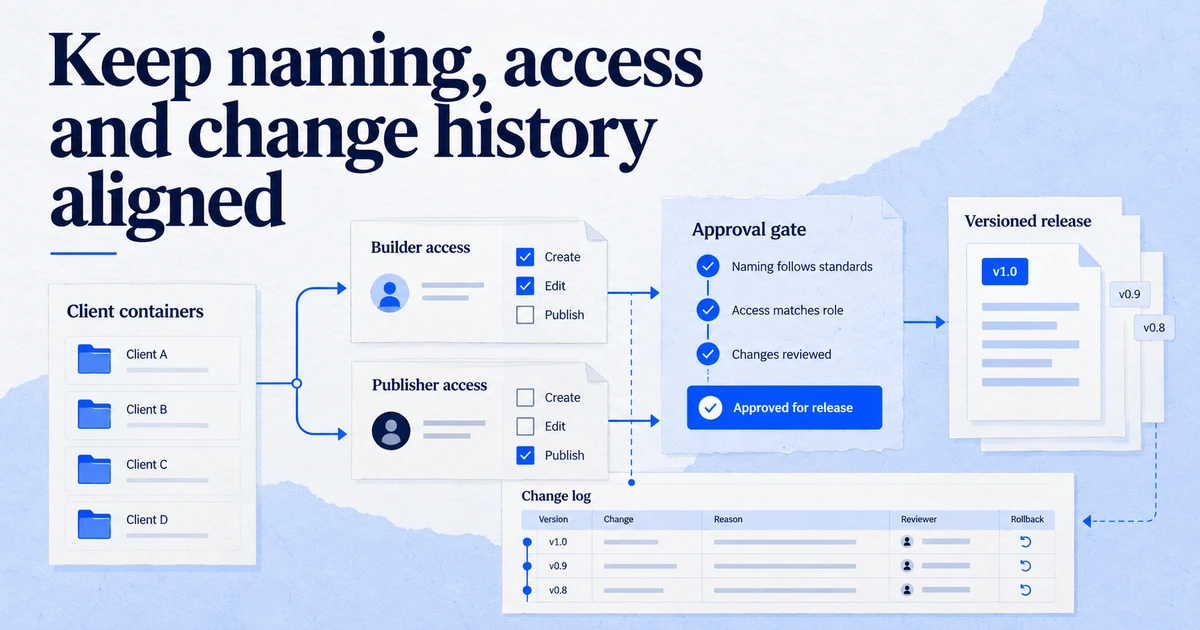
- A change log. Date, change, reason, who approved, and the GTM version number that shipped it. One line per change is enough.
- A periodic check against reality. Once a quarter, compare the event table with what GA4 actually receives (Admin, Events) and with the GTM container. Events in GA4 that are not in the plan are either undocumented work or bugs.
A copy-ready template
Paste this outline into a shared document and fill it in.
MEASUREMENT PLAN: <site or app>          Owner: <name>     Version: <n>, <date>

1. Objectives
   - <2-4 sentences>

2. KPIs
   | KPI | Definition | Source of truth | Target | Owner |

3. Key events and conversions
   | Event | Key event in GA4 | Conversion in (Ads/Meta) | Primary source | Value logic |

4. Event table
   | Event | Fires when | Pages | Parameters (name: type) | Destinations | Consent | Owner | QA test |

5. Parameter dictionary
   | Parameter | Type | Allowed values / format | Custom dimension (scope) | Example |

6. Consent and privacy
   - Consent defaults: <how and where>
   - Destination to consent type mapping
   - Never collected: <list>

7. QA and change log
   | Date | Change | Reason | Approved by | GTM version |
Key takeaways
- Write the plan top-down: objective, KPI, key event, supporting events, parameters.
- Give developers an event table with exact names, triggers, parameter types and a QA test for each row.
- Check names and volumes against GA4's limits, including 40-character names, 25 parameters per event and 30 key events.
- Record, per key event, whether it is a conversion, where, and which source is primary.
- Add a consent column to every event and a short "never collected" list.
- Keep a change log and compare the plan with live data every quarter.
Tracking Whisper can read an existing GTM container and GA4 property and list the events and parameters actually in use, which is a quick way to start the "check against reality" step. Our tracking setup page describes how it builds changes from a plan, with a person approving before anything is published.
Frequently asked questions
What is the difference between a measurement plan and a tracking plan?
The terms are often used interchangeably. Where they are separated, the measurement plan covers goals, KPIs and which actions matter, while the tracking plan or dataLayer spec covers the technical detail of each event. This template keeps both in one document, as two layers.
How many events should a measurement plan include?
As few as answer the KPIs, usually 10 to 25 custom or recommended events on top of what GA4 collects automatically. Every event should map to a KPI or a decision. GA4 standard properties allow 30 key events, 50 event-scoped and 25 user-scoped custom dimensions, which is another reason to stay focused.
Who should own the measurement plan?
One named person, usually the analytics lead or the agency's tracking specialist, owns the document and approves changes. Marketing owns the goals and KPIs, development owns the implementation, and both sign off on the event table. Without a single owner, plans drift away from what is actually implemented.
Should I use GA4 recommended events in my plan?
Yes, wherever one fits, for example purchase, generate_lead, sign_up or begin_checkout. Recommended events come with defined parameters and feed GA4's built-in reports, such as the ecommerce reports. Use custom events only for actions no recommended event describes.
How often should a measurement plan be updated?
Whenever a goal, a site flow or a destination changes, and at least once a year in a review. Each change should be logged with a date, a reason and the person who approved it, so the plan stays the single reference for what the tracking is supposed to do.
Sources
- [GA4] Event collection limits, Analytics Help
- [GA4] Configuration limits, Analytics Help
- [GA4] Event naming rules, Analytics Help
- [GA4] Recommended events, Analytics Help
- Conversions vs. key events in Google Analytics, Analytics Help
- [GA4] Data retention, Analytics Help
- Tag Manager consent mode support, Tag Manager Help
Dimitris builds Tracking Whisper and writes about tracking, analytics and data from the work the agent does every day: GTM containers, GA4 properties, ad platforms and the numbers in between.