The GA4 Measurement Protocol is an HTTP interface for sending events directly to a Google Analytics 4 property from servers, back-office systems or devices, without a browser tag. Google designed it to supplement the Google tag, Tag Manager and Firebase, not to replace them.
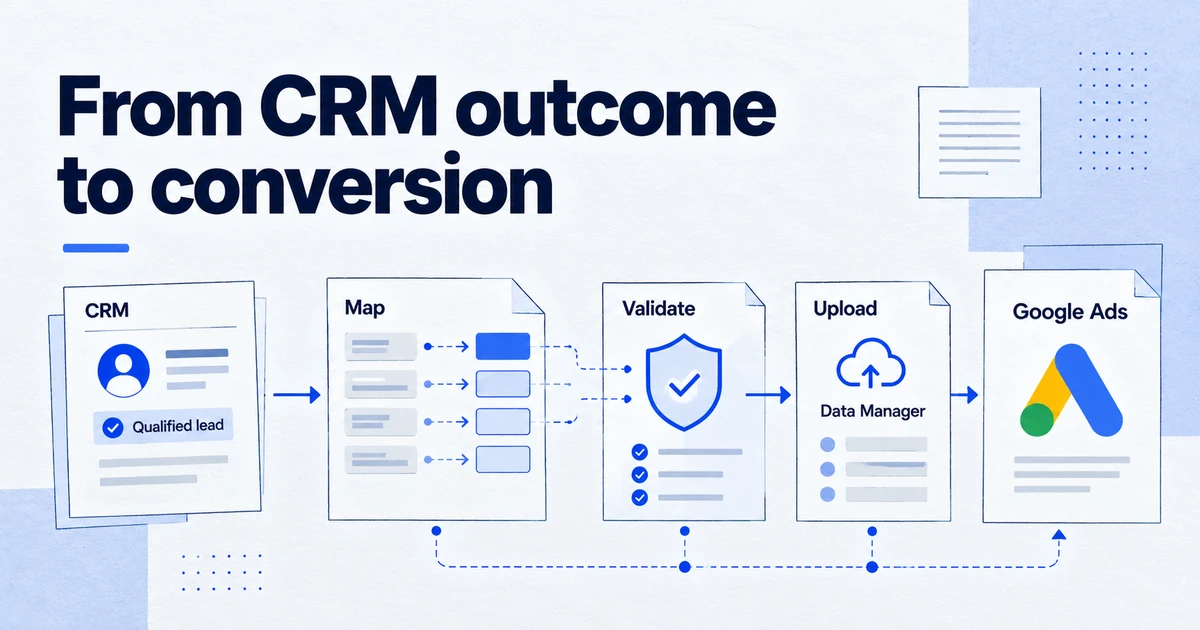
Some events never happen in a browser: a subscription renews, a refund is issued, a lead is marked qualified in the CRM. The Measurement Protocol lets you send those to the same GA4 property as your website events, attached to the same user.
How it works
You send a POST request to the collection endpoint with your measurement ID and an API secret as query parameters. The API secret is created in GA4 under Admin > Data streams > (your stream) > Measurement Protocol API secrets.
curl -X POST \
  "https://www.google-analytics.com/mp/collect?measurement_id=G-XXXXXXX&api_secret=YOUR_SECRET" \
  -H "Content-Type: application/json" \
  -d '{
    "client_id": "1234567890.1791273600",
    "events": [{
      "name": "refund",
      "params": {
        "transaction_id": "T-10293",
        "currency": "EUR",
        "value": 84.50,
        "session_id": "1791273600",
        "engagement_time_msec": 100
      }
    }]
  }'
The key fields:
client_id(web) orapp_instance_id(app) ties the event to an existing user. For the web, take it from the_gacookie when the user is on the site and store it with the order or lead.user_idis optional and links to your own signed-in user ID.eventsholds up to 25 events per request.timestamp_microslets you backdate events by up to 72 hours.consentis an optional object for passingad_user_dataandad_personalization, in line with Consent Mode.
Google recommends including session_id and engagement_time_msec in event parameters so the activity appears in reports such as Realtime.
Why it matters in 2026
More conversions are confirmed away from the website: in a CRM, a payment provider, or a call centre. The Measurement Protocol is how those outcomes get into GA4 next to the sessions that led to them. It is also used by server-side tagging setups and by integrations that enrich purchases with margin or refund data.
The limit is attribution. A Measurement Protocol event does not create a session or traffic source on its own. If the client_id is wrong or missing, the event lands as an unattributed user, which is a frequent source of "(not set)" and unassigned traffic.
How to check it
- Send the payload to the validation endpoint,
https://www.google-analytics.com/debug/mp/collect, with the same query parameters. It returns validation messages and does not record data. - Fix every message, then send to
/mp/collect. The production endpoint returns a 2xx code even for malformed events, so a success code proves nothing on its own. - In GA4 DebugView or Realtime, confirm the event appears under the expected user.
- After processing, check in an exploration (or in BigQuery) that the event carries the right
client_idand parameters and is joined to the original session's source.
Common mistakes
- Invented client IDs. Generating a random
client_idon the server creates a new user with no source. - API secret in the browser. The secret belongs on a server, not in front-end code.
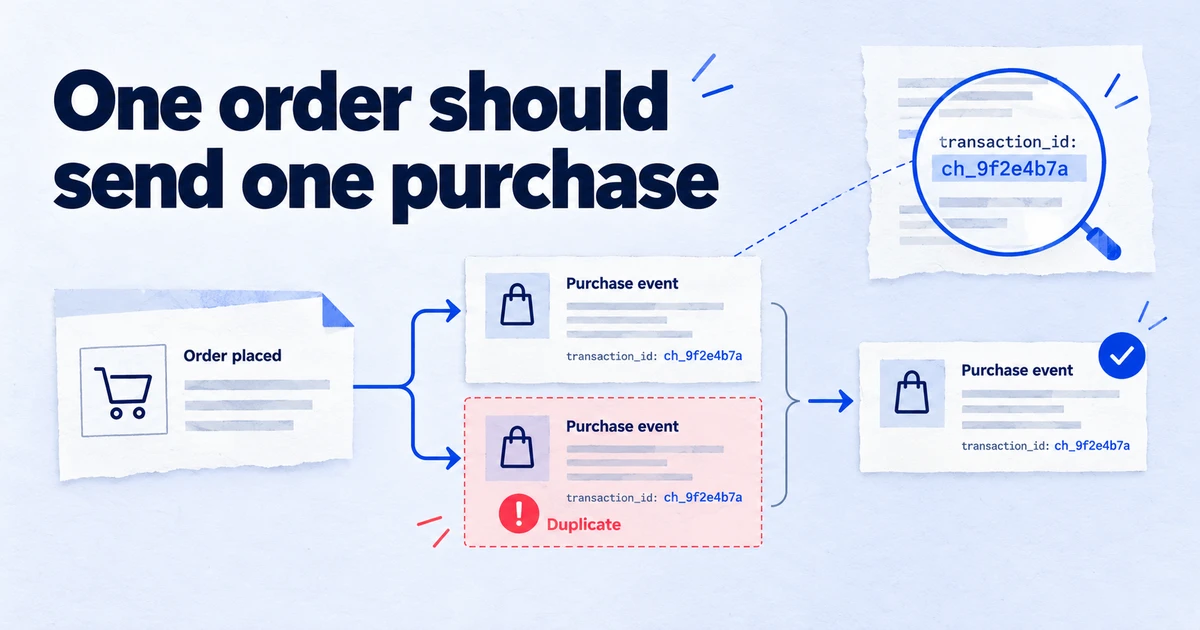
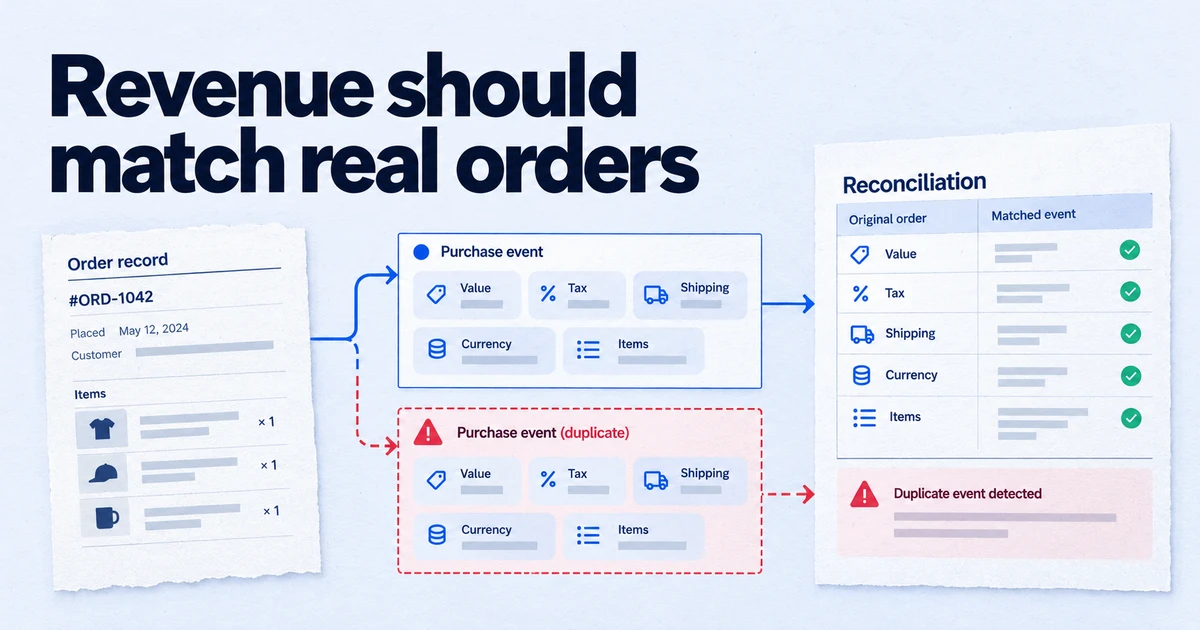
- Duplicate purchases. Sending a purchase from the server that the browser tag also sent.
- Old timestamps. Events older than 72 hours are re-dated or rejected.
- No validation step. Relying on the production endpoint's success response.
Related terms: dataLayer, Conversions API, attribution model.
Frequently asked questions
Can the Measurement Protocol replace the Google tag?
No. Google states that the Measurement Protocol is meant to augment automatic collection through gtag.js, Tag Manager and Firebase, not replace it. Sessions, attribution and many automatic dimensions come from the browser or app tag.
Why don't my Measurement Protocol events show in GA4 reports?
The most common causes are a wrong api_secret or measurement ID, a client_id that does not match an existing user, or events sent without session_id and engagement_time_msec, which affects how they appear in reports such as Realtime. The production endpoint returns a success code even for invalid events, so test with the validation endpoint first.
How far back can I timestamp an event?
Google's documentation says events can be backdated up to 72 hours with timestamp_micros. With the default relaxed validation, older events are accepted but their timestamp is replaced with one from 72 hours ago; with ENFORCE_RECOMMENDATIONS they are rejected.
How many events can I send in one request?
Up to 25 events per request, according to Google's Measurement Protocol reference.
Sources
Dimitris builds Tracking Whisper and writes about tracking, analytics and data from the work the agent does every day: GTM containers, GA4 properties, ad platforms and the numbers in between.